Save profile
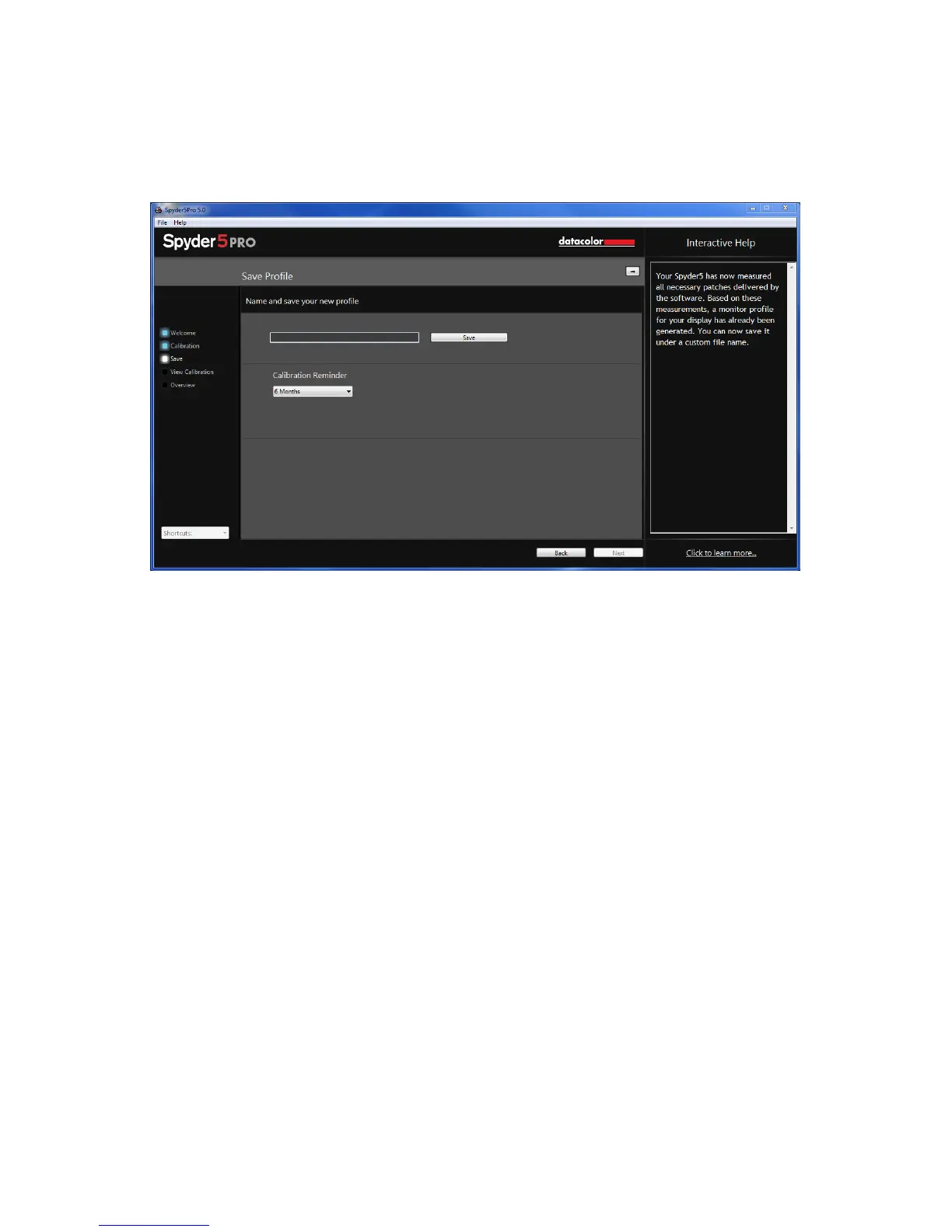
After the calibration is complete, the Save Profile window will appear.
Enter the name you would like to save the profile as. Here is a sample file name we
thinks works best to keep an archive of your monitor profiles:
“Make_Model_yyyymmdd(date)_ver1”
Click “Save” to proceed.
You can also set a reminder of when to recalibrate your display, we recommend
once a month.



 To Next Page