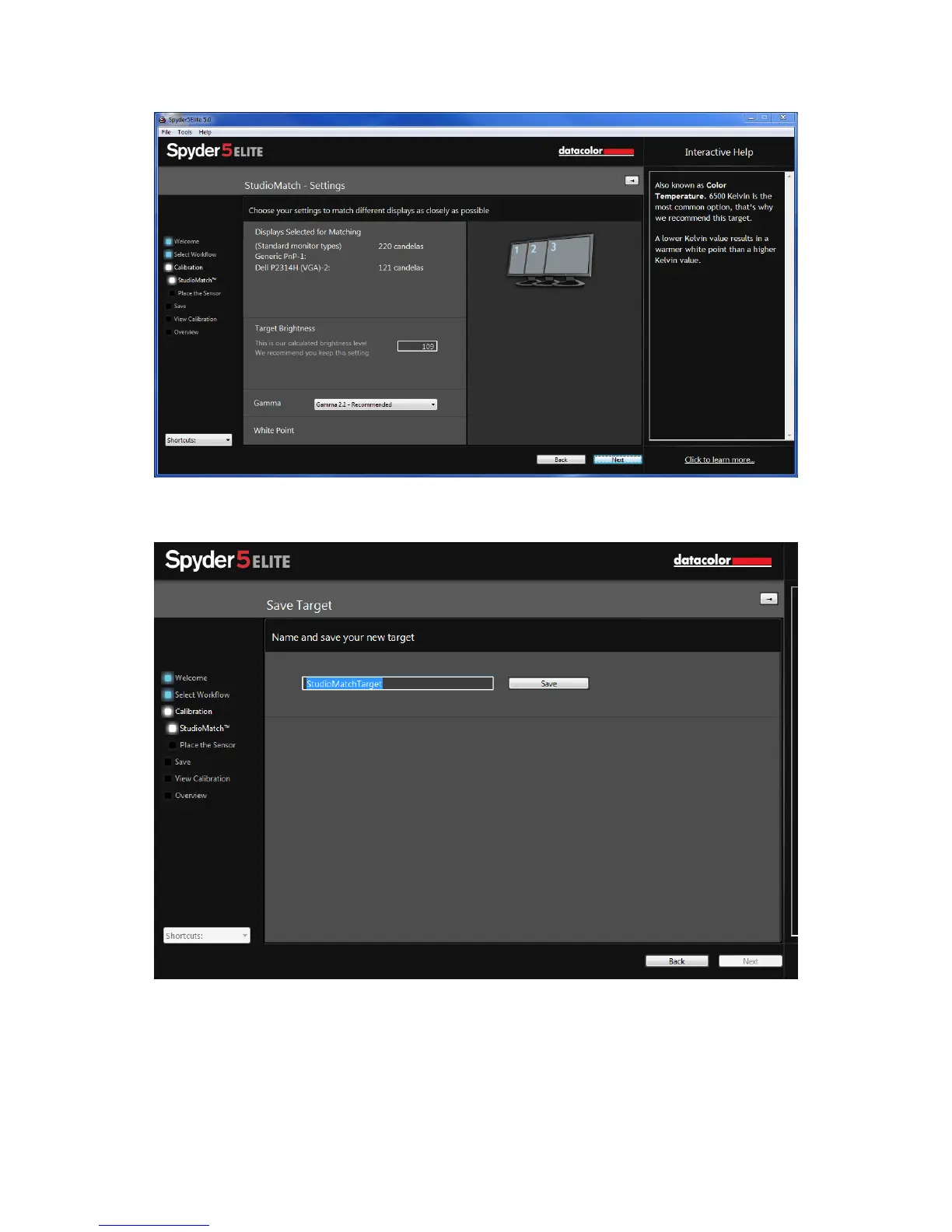
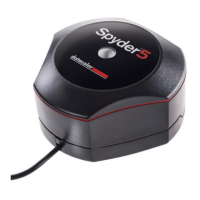
Click “Next” and you will be prompted to save this target.
Once it is saved, the software will show you where the file is. If you are calibrating
monitors connected to another computer, you will copy this file to the other
computers and select this file when calibrating.
Click “Next” to move onto the Calibration process; in Studio Match it will perform
this on both monitors.



 To Next Page