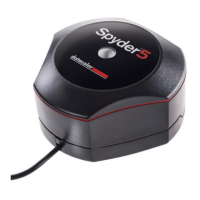
Which display should be adjusted?
We recommend you to use your better display as primary one and only change the
secondary display's calibration with SpyderTune to match their view.
Switch
Once you're SpyderTune corrections are done, be sure you compare with the
original Spyder5 calibration by clicking the "Switch" button.
Save
If the result is as expected and you could match your screens together, you can click
the "Save" button to save your calibration with the new SpyderTune adjustments.
Reset
If you made a mistake, you can click the "Reset" button to reset the sliders to the
original state of the Spyder5 calibration.



 To Next Page