Initial Setup
20 Gryphon™ D432/D412Plus
Wedge Interface Selection
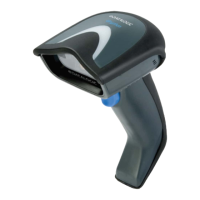
The Gryphon D432Plus reader requires the Wedge interface cable.
To install and configure your reader with the Wedge
interface, follow these instructions:
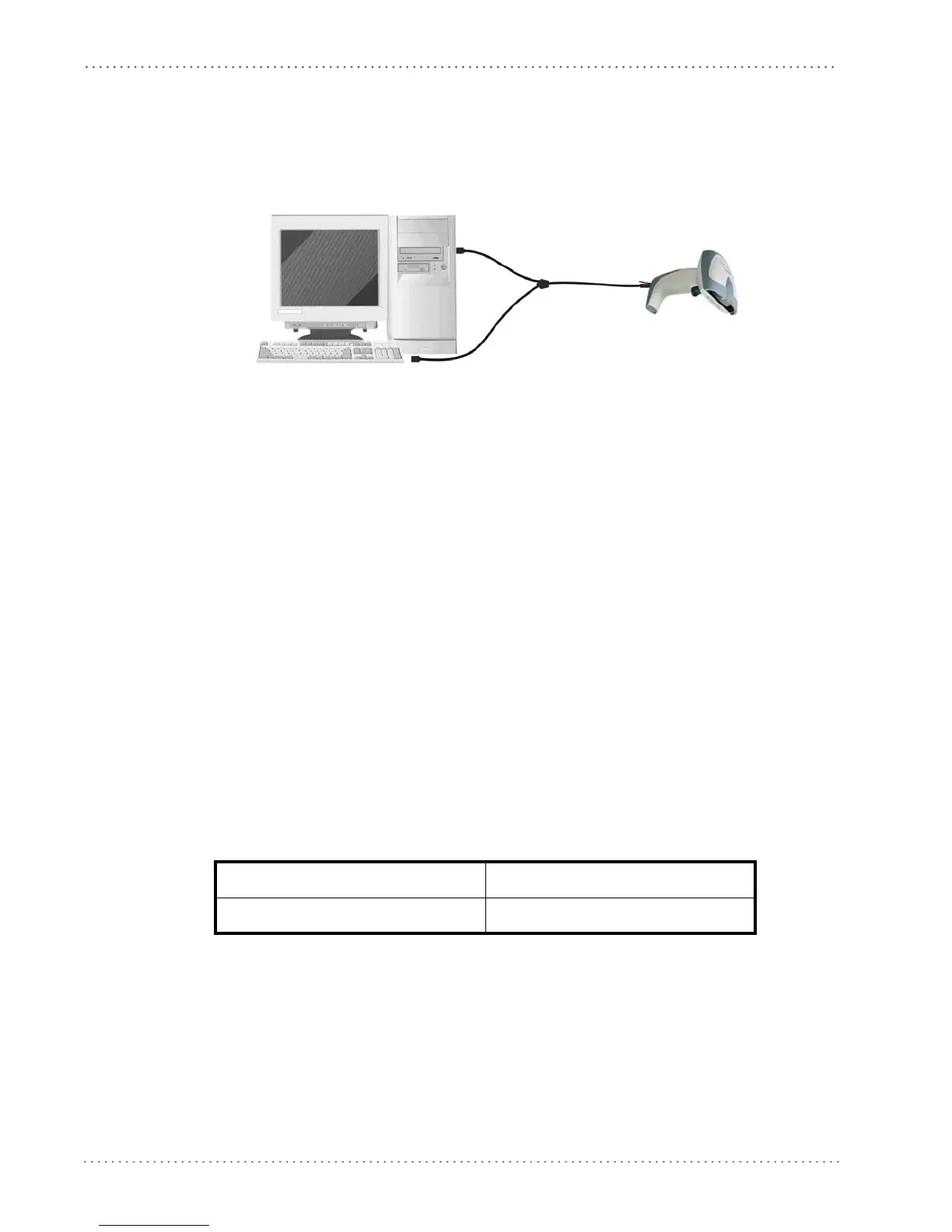
1. Connect the cable to the Gryphon D432Plus re
ader and to the PC as shown:
2. Power up your PC.
3. Read the restore default parameter code below:
Restore Default
AMHKGPAOFNGNENEIEPANHOGOCK
AHHPMBAMDKEOFMHMLJALECHGIK
AKCBPJCJGIIJCMCFGPLCMMMNLK
AEFBJLBGMHPKMOGNKKNDPDMGGK
AAPHBAJIDGHPOJKEFPNCEACBHK
AFKFBKNGLGMOMELLGOPCMJFKIK
DDDDLDLLLDDLLLLDDDLDDLDLDL
4. Read the Wedge IBM AT interface selection code:
Wedge – IBM AT
AMHKHMFOHNGNENEIEPANHOGOCK
AGPEPJAMDKEOFMHMLJALFAEHKK
AEONPJCJGIIJCMCEHPLLHLPPJK
AIFBJLBGMHPLNPDFHGDGFIBDOK
AAPHBAJJCGCOPJDIMBCEANODDK
AFKFBPPJPJCAALOIKIECIPIKLK
DDLDLDLDDLDLLLLDDDDDDLDLDL
USB Interface Selection
The Gryphon D432/D412Plus reader requires the USB interface cable and, if required, the
AC/DC power adapter to be connected.
The USB interface is comp
atib
le with:
Windows 98 (and later) IBM POS for Windows
Mac OS 8.0 (and later) 4690 Operating System
Start-Up
As with all USB devices, upon connection, the Host performs several checks by communicating
with the Gryphon D432/D412Plus. During this phase the green LED on the Gryphon
D432/D412Plus reader blinks and normal operations are suspended. Two basic conditions
must be met before Gryphon D432/D412Plus is ready to read codes: the correct USB driver
must be loaded and sufficient power must be supplied to the reader.
For all systems, the correct USB driver for the default USB-KBD inte
rface or the USB Generic
HID interface is included in the Host Operating System and will either be loaded automatically






 To Next Page