ISO MAX V Manual – v. 1.2 – july 2012 12
4.2 USB driver installation guide for Windows OS
ATTENTION! First of all install the driver, then plug the ISO MAX into the PC.
The following procedure shows how to install the USB driver for ISO MAX reader:
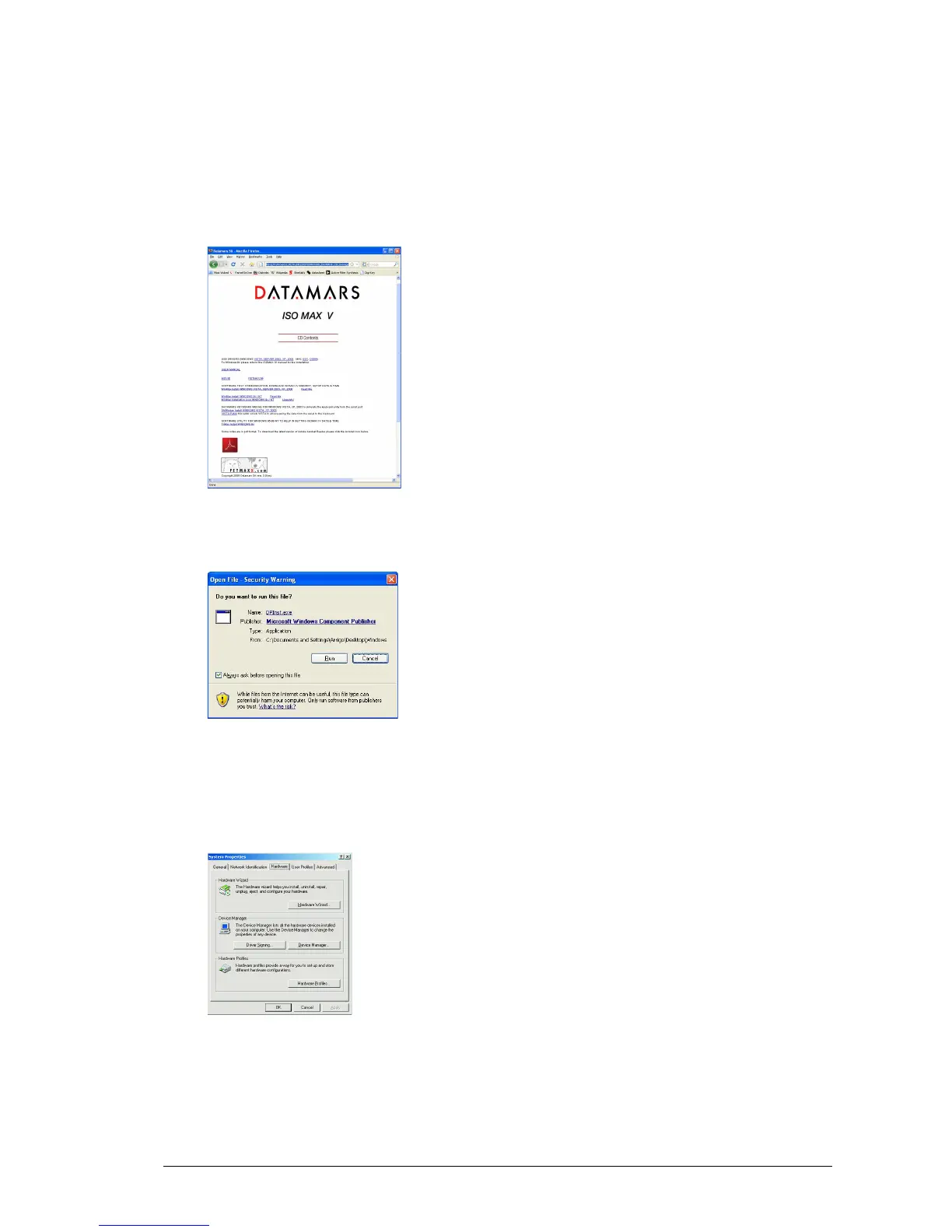
1. Insert the ISO MAX CD in the PC. The CD will start automatically showing the contents of the
CD.
2. Click on the USB driver link corresponding to your PC’s operating system.
3. The following dialog box appears. Press RUN.
4. Once the driver has been installed, connect the ISO MAX V by plugging the USB cable into the
PC. The PC will automatically find the reader.
5. To discover the port number open the System properties.
Please refer to the Operating System manual.
6. Select in the Hardware tab the Device Manager to discover the Communication port assigned.



 To Next Page