ISO MAX V Manual – v. 1.2 – july 2012 9
3.3.4 Clear all memory
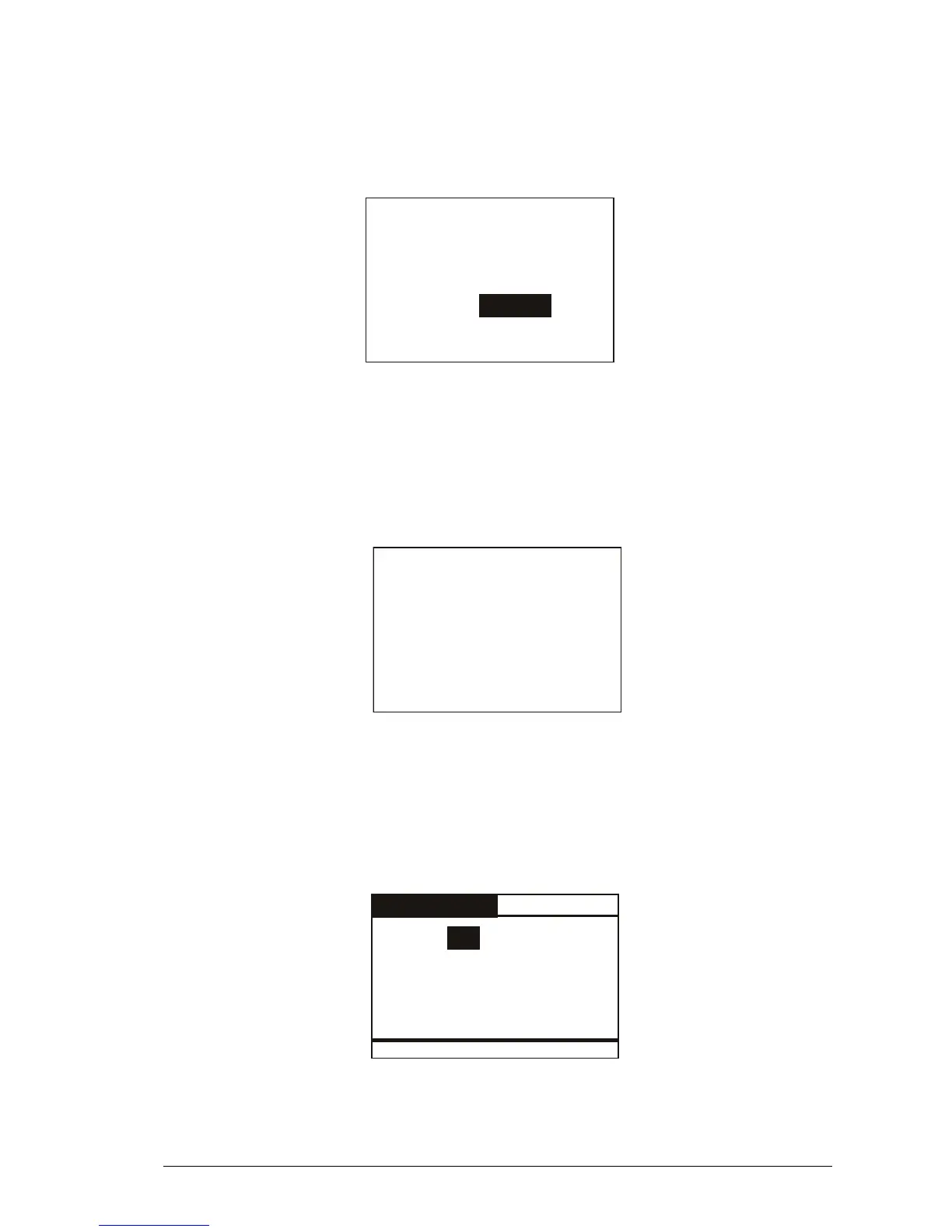
This function clears all the memory contents. Press the LEFT button to highlight the Yes
answer. Then press the ENTER button to confirm the action to clear the memory.
Yes
Are you sure you want
to clear the memory?
Cancel
3.3.5 Data download
This function downloads the data stored in memory through the USB or Bluetooth interface.
First plug the reader into a PC with the USB cable (refer to chapter 4). Then run the
HyperTerminal session in order to receive data on this program. At this point enter the ‘data
download’ function by navigating through the menus. When the following message appears,
press the ENTER button.
Press enter to start
the data download.
3.4 Date & Time
This menu allows you to adjust the date and time including the date format (EU format if you
prefer to have the day before the month, US format if you prefer to have the month before the
day).
Press the LEFT/RIGHT button to move the highlighted field. Press the UP/DOWN button to
change the highlighted parameter.
DATE & TIME
DATE: 31 . 01 . 08Fri
TIME: 15 : 46 : 55
Format: EU



 To Next Page