ISO MAX V Manual – v. 1.2 – july 2012 8
3.3.3 Selected hit
The ‘selected hit’ function checks and displays the current ID code read present in the memory.
This function is useful to identify a specific animal in a large group of animals. When this
function is OFF the reader does not show anything. While is ON, it shows the message “TAG ID
FOUND” when the tag read is already present in the memory, or it shows the selected tag ID to
be found, when the tag ID does not match.
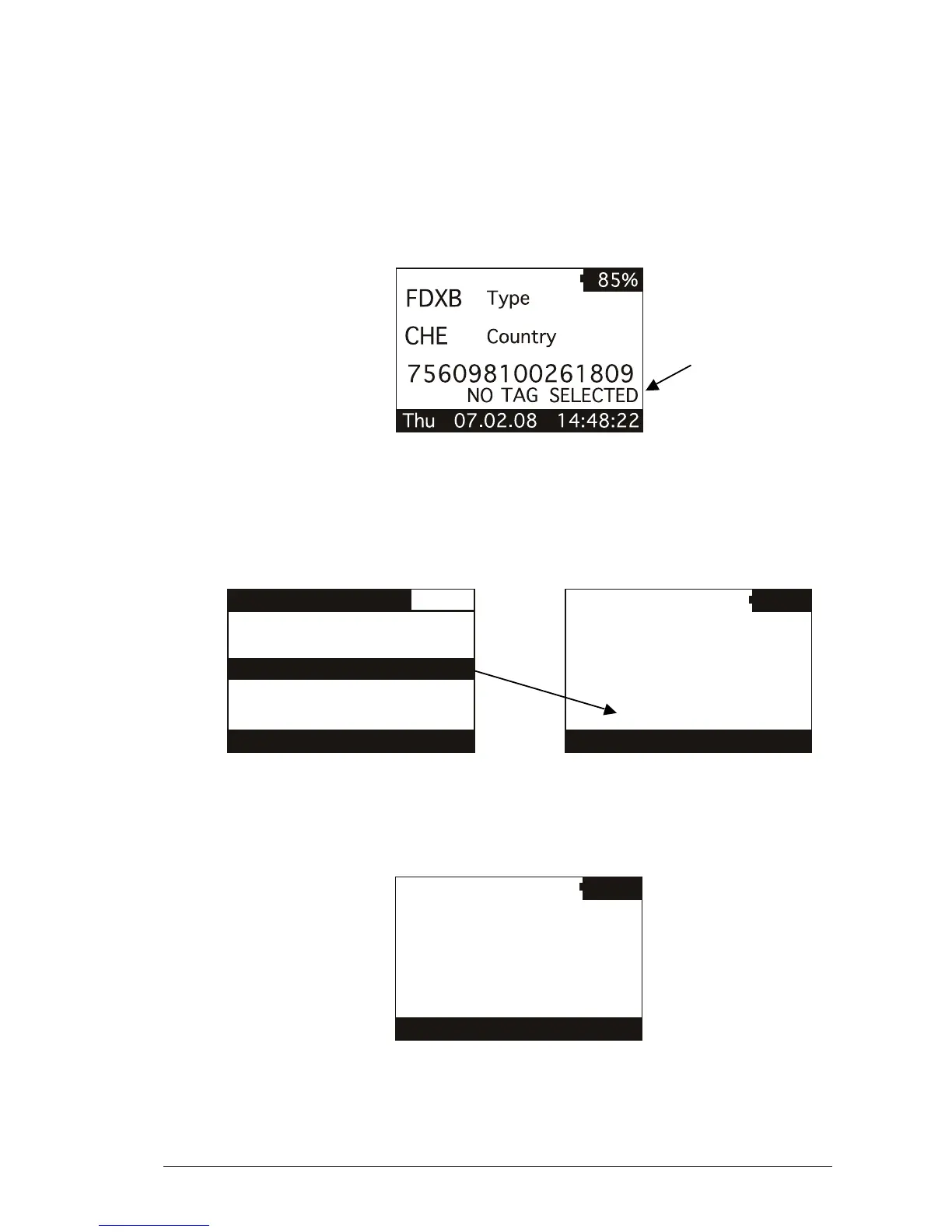
The following figure shows the selected hit function enabled:
In this case, the message “NO TAG SELECTED” appears: this means that you have to select
an ID code using the ‘browse memory’ function (refer to chapter 3.2 for details). Therefore press
the round ENTER button to enter the main menu, then press the RIGHT button to enter the
browse menu: scroll through the ID codes list until you find the needed ID code. When
highlighted, press the ENTER button so that it is selected for the ‘selected hit’ function.
At this point you are ready to search the selected ID code in the large group of animals. When
you read an ID code that matches the selected one, the reader displays the message “TAG ID
FOUND!” and beeps three times.



 To Next Page