ISO MAX V Manual – v. 1.2 – july 2012 15
Double check that the ISO MAX V reader is switched on and configured to Act as a Server
(Menu –> Bluetooth), then press the Add button.
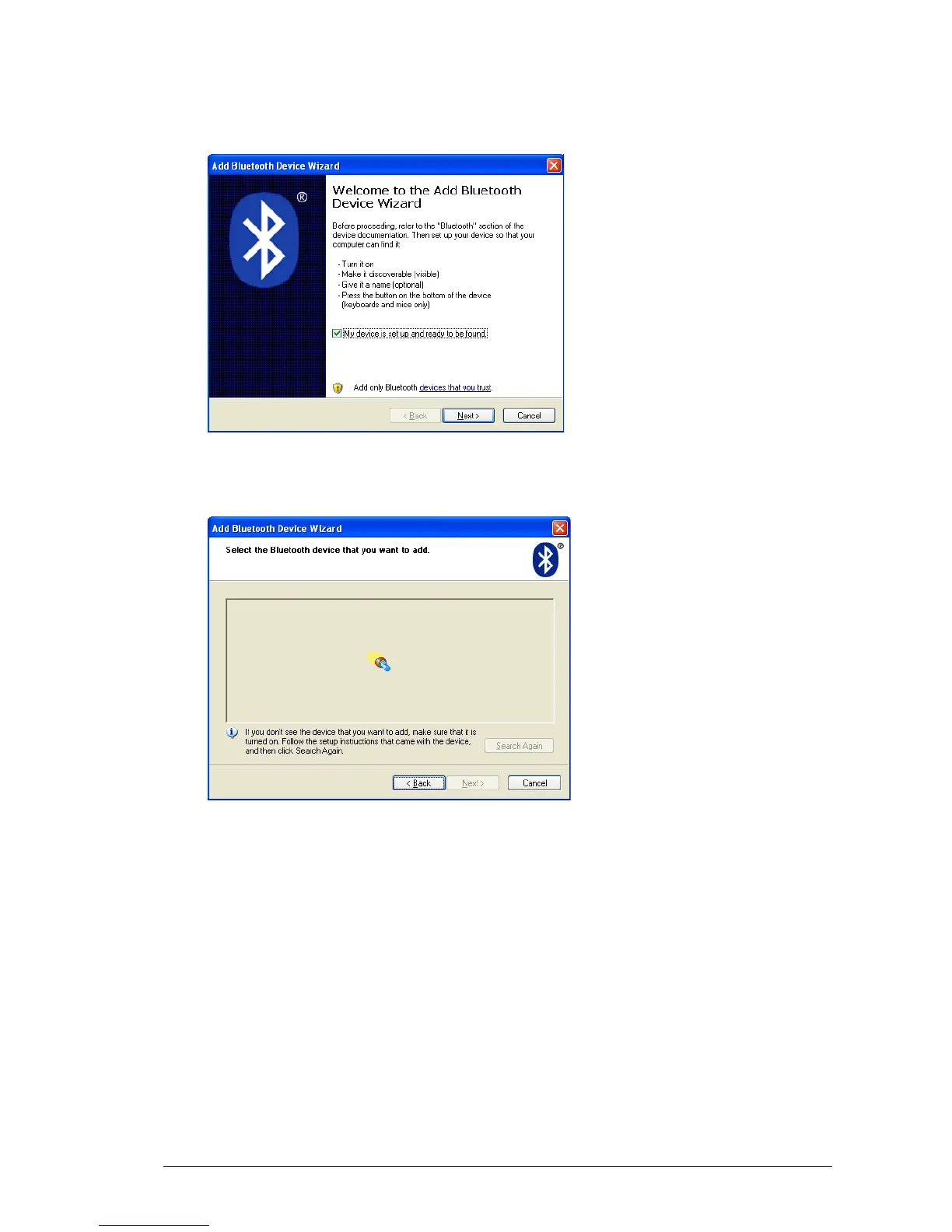
The welcome window for the configuration guide of the new Bluetooth peripheral appears.
Press Next in order to start the search and recognize the procedure.
The result of the search and recognition procedure shows all Bluetooth devices which are
nearby.



 To Next Page