ISO MAX V Manual – v. 1.2 – july 2012 17
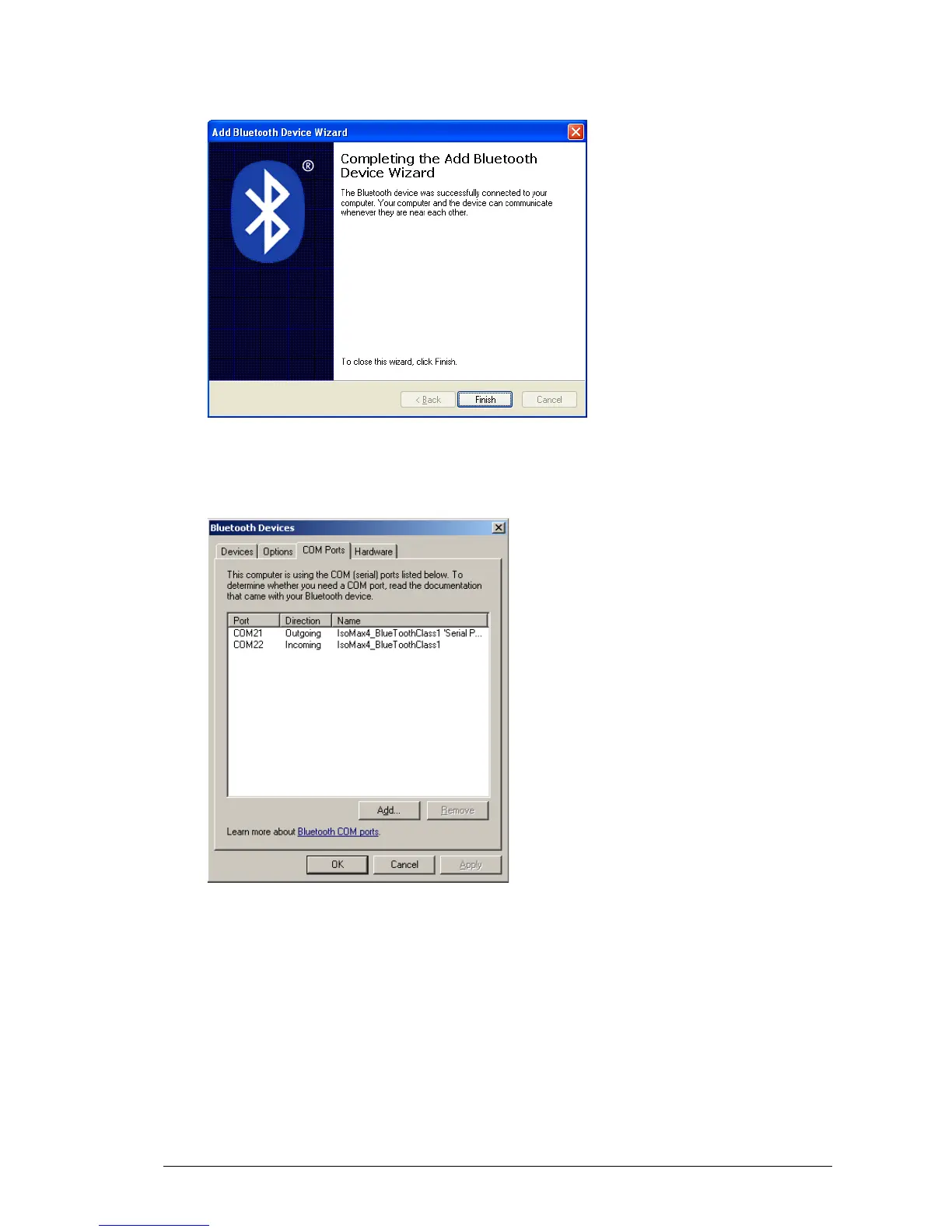
Finally the ISO MAX V reader has been recognized and installed in your PC as a Bluetooth
device. Press the Finish button.
At this point select the COM Ports tab and verify that two COM ports have been created:
one called Outgoing and the other called Incoming.
The Outgoing COMxx is needed to connect to the ISO MAX V reader when it is in Act as a
Server mode, while the COMxx Ingoing is needed to connect to the ISO MAX V reader when it
is in Act as a Client mode.
The COM numbering depends on your host PC, this number may be different from the one
shown in the example.



 To Next Page