www.datamax-oneil.com 23
7) NETira
™
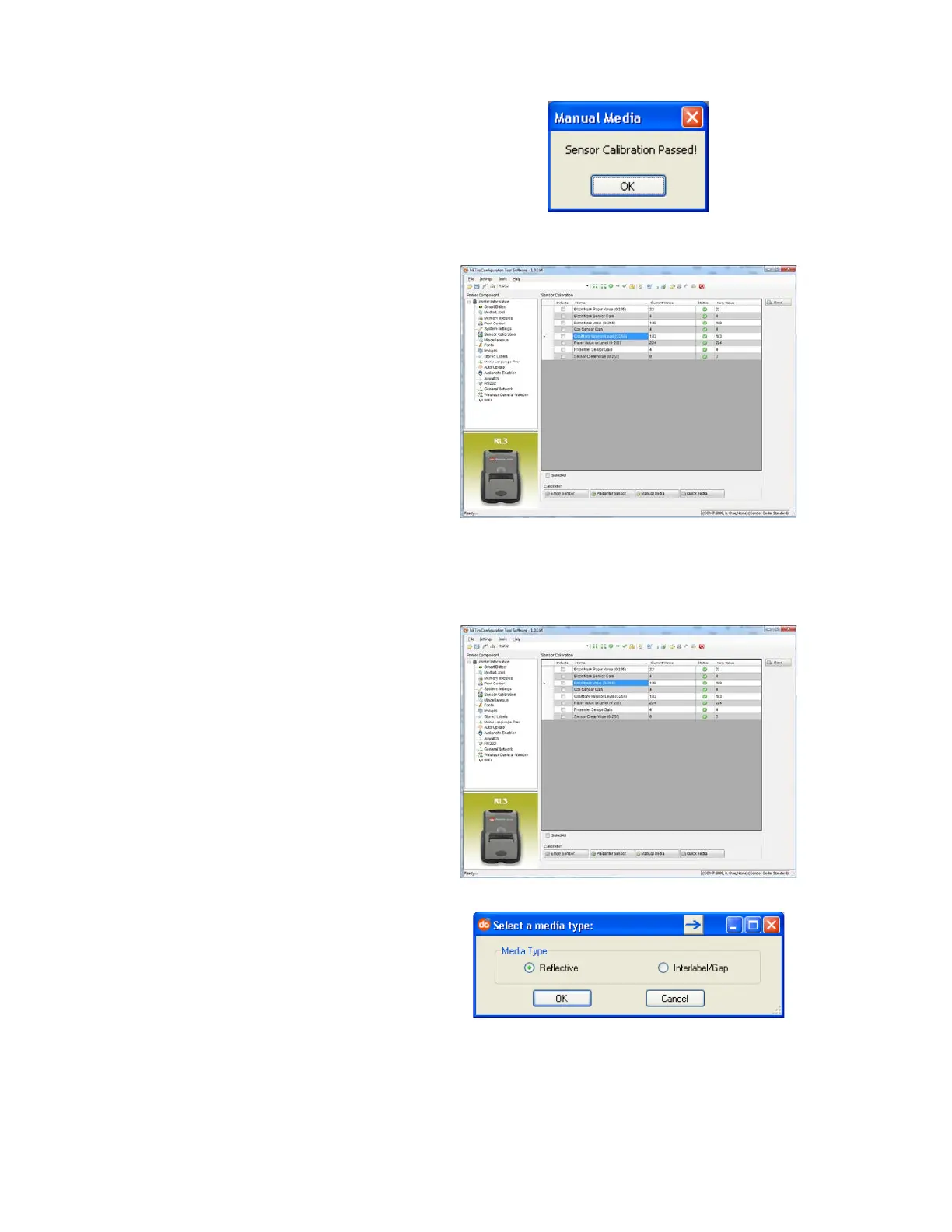
CT will display a
message indicating the process
has finished.
In case of any error, a “FAILED
CALIBRATION” message will be
displayed. Repeat the process.
8) To confirm changes, observe
that Gap Back Value and Gap
Paper Value have changed.
Procedure for Black Mark Media:
(be sure the printer is set to sense Black Mark media, see Section 3.4.1).
1) Click on the “Sensor
Calibration” printer component.
2) Click the “Manual Media”
button to start the manual-
calibration process.
Follow the instructions on the
following screen.
3) Select the Reflective radio
button, then click “OK.”



 To Next Page