www.datamax-oneil.com 24
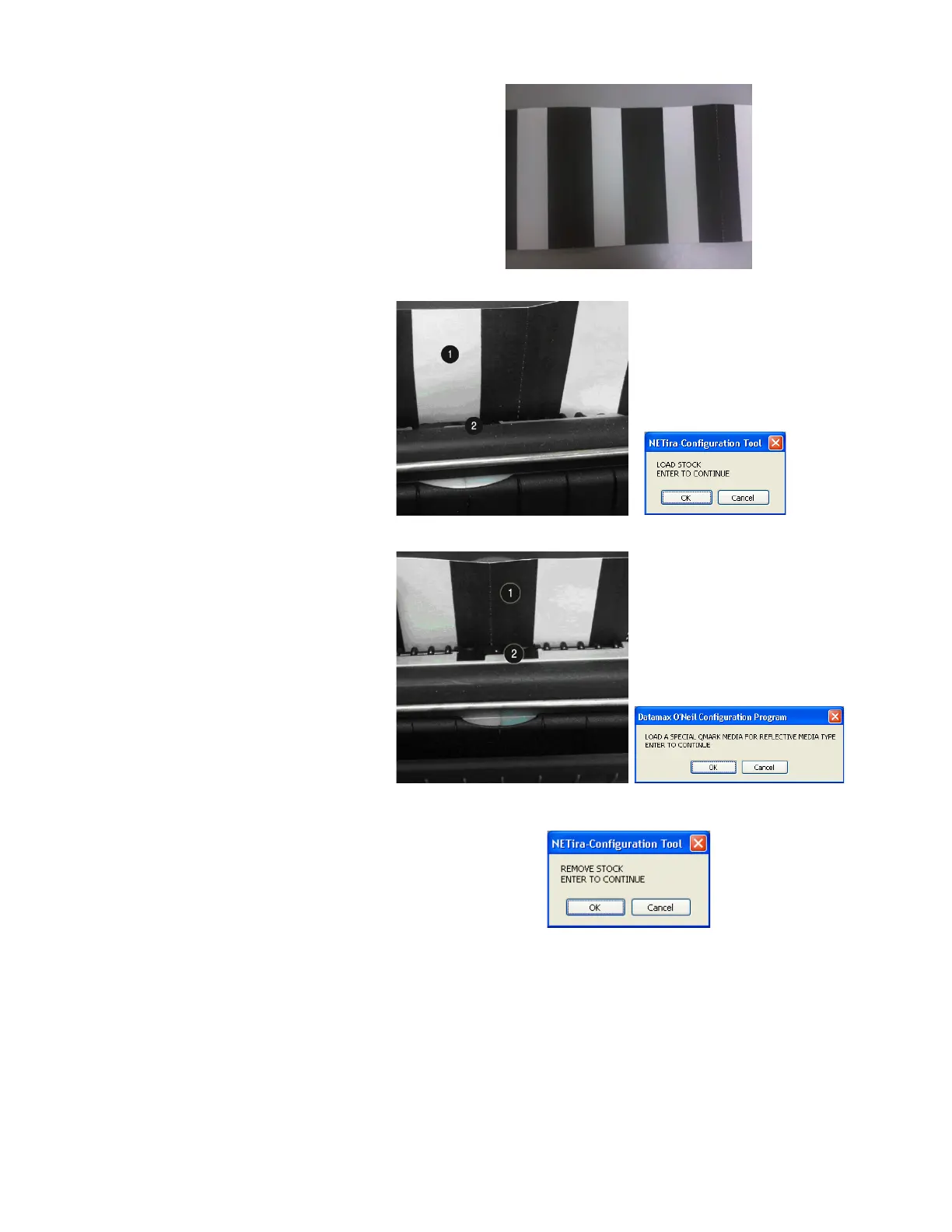
NOTE: A special media with black
marks is needed to perform this
calibration. See the image to the
right. A sample image is included
at the end of this document, it can
be printed and used for this
calibration procedure.
4) Load Stock: Place a white
section of media under the
sensor, close the door and then
click “OK.”
Sensor
5) Load Special Q-Mark Media for
Reflective Media: Place a black
section of the media under the
sensor, close the door and then
click “OK.”
6) Remove Stock: Remove all
media from printer, close the
door, then click “OK.”



 To Next Page