www.datamax-oneil.com C-4
The printer can be configured to utilize several Wireless LAN security protocols. The following sections
outline the most popular configurations.
B.4.1 WEP 64 & 128 Bit
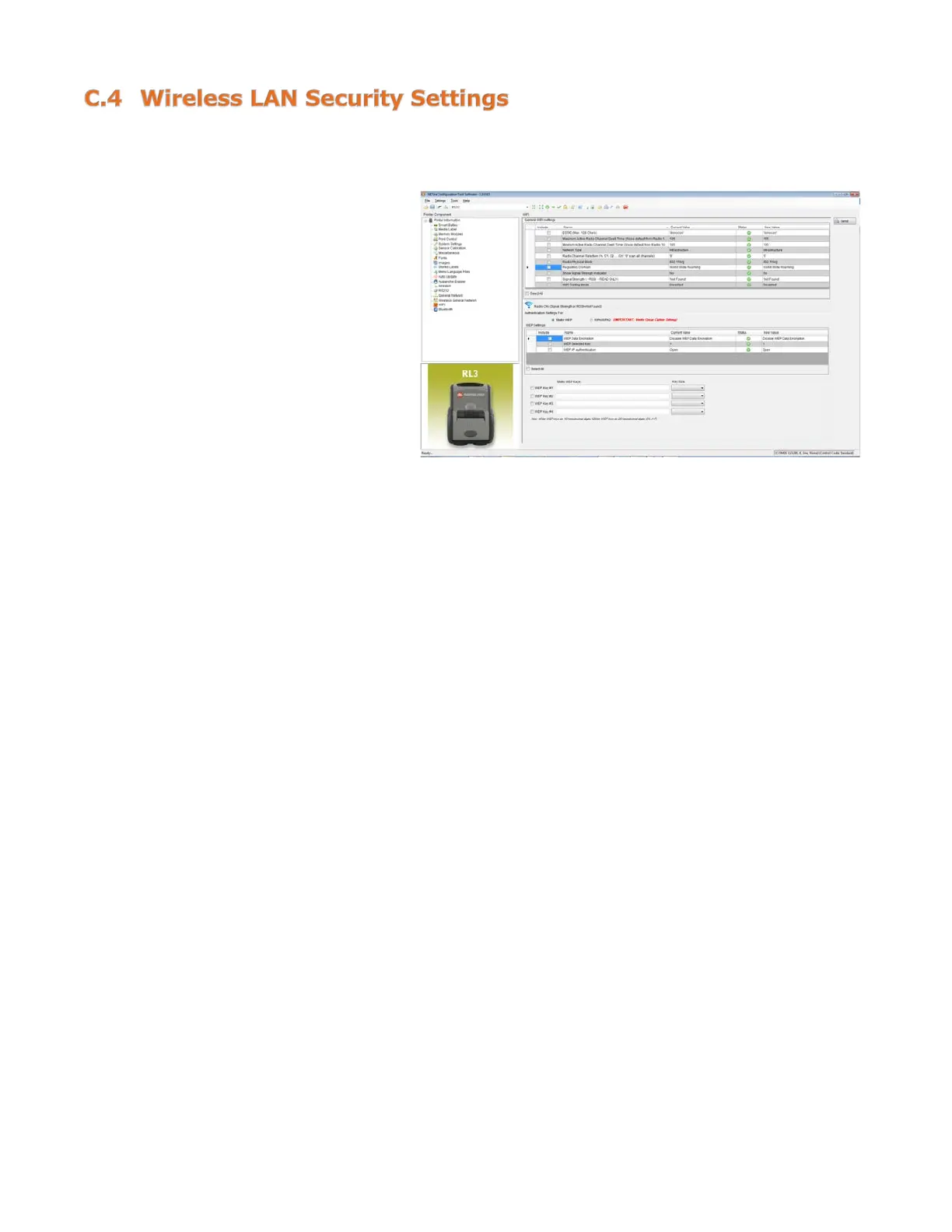
1) Click on the “W-Fi” printer
component.
2) Click the “Static WEP” radio
button.
3) Change (or confirm) the
following parameter settings:
WEP Selected Key: Select the key
number to use.
WEP AP authentication:
Users share 40-bit = 64-bit
encryption.
Users share 128-bit = 128-bit
encryption.
WEP Data Encryption:
Enable WEP Data Encryption.
WEP Key #1-4:
Enter the WEP keys that match
values used in the access point.
4) After updating the “New Value”
column, click the “Send” button
to send these changes to the



 To Next Page