www.datamax-oneil.com C-3
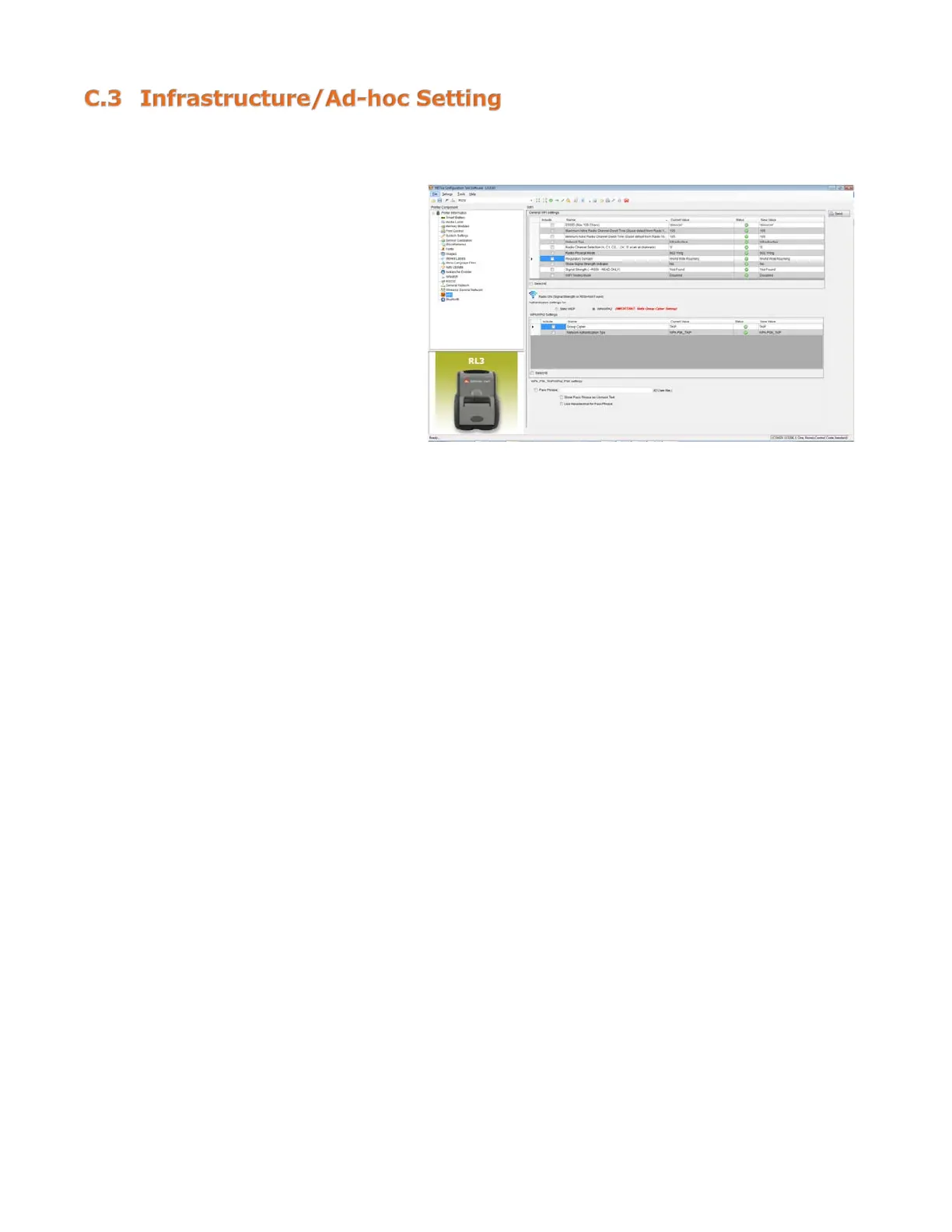
1) Click on the “Wi-Fi” printer
component.
2) Change (or confirm) the
following parameter settings:
ESSID: (Default: D-O) Type name
that matches the name of your
access point.
Network Type: Infrastructure or
Ad-hoc.
3) After updating the “New Value”
column, click the “Send” button
to send these changes to the
printer.
NOTE: To validate a successful Wireless LAN connection, the IP address obtained from the access point
will be shown on the LCD display of the printer.



 To Next Page