www.datamax-oneil.com C-2
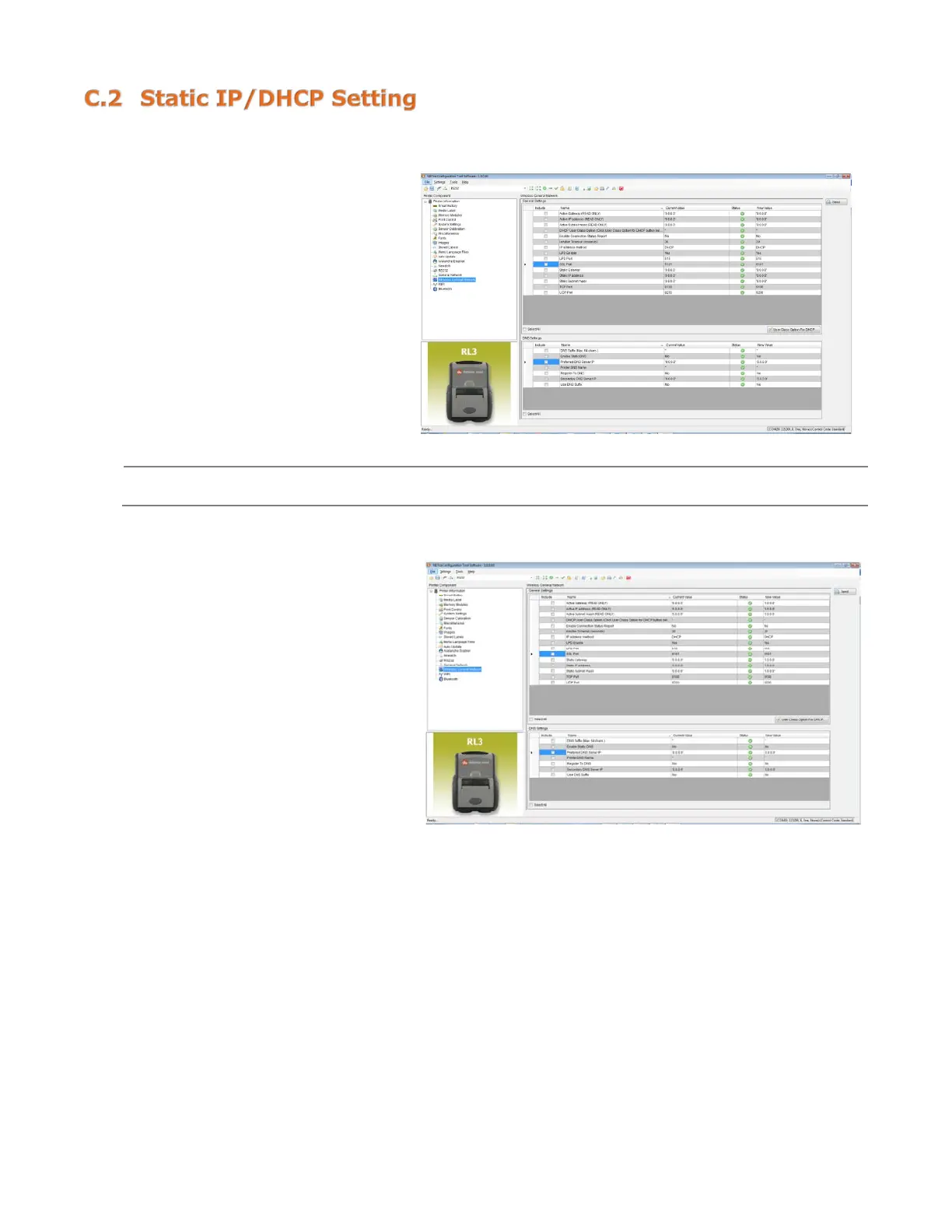
The printer can be configured to use a static IP or a dynamic IP obtained from a DHCP server.
Using a Dynamic IP Address (DHCP):
1) Click on the “Wireless General
Network” printer component.
2) Change (or confirm) the
following parameter setting:
IP address method: DHCP
3) After updating the “New Value”
column, click the “Send” button
to send these changes to the
printer.
Values obtained from the DHCP server will be shown under the fields: Active IP address, Active
Subnet Mask and Active Gateway.
Using Static IP Address:
1) Click on the “Wireless General
Network” printer component.
2) Change (or confirm) the
following parameter settings:
IP address method: Static
Static IP address: According to
your network IP range.
Static Subnet mask: According
to your network subnet mask.
3) After updating the “New Value”
column, click the “Send” button
to send these changes to the



 To Next Page