www.datamax-oneil.com D-6
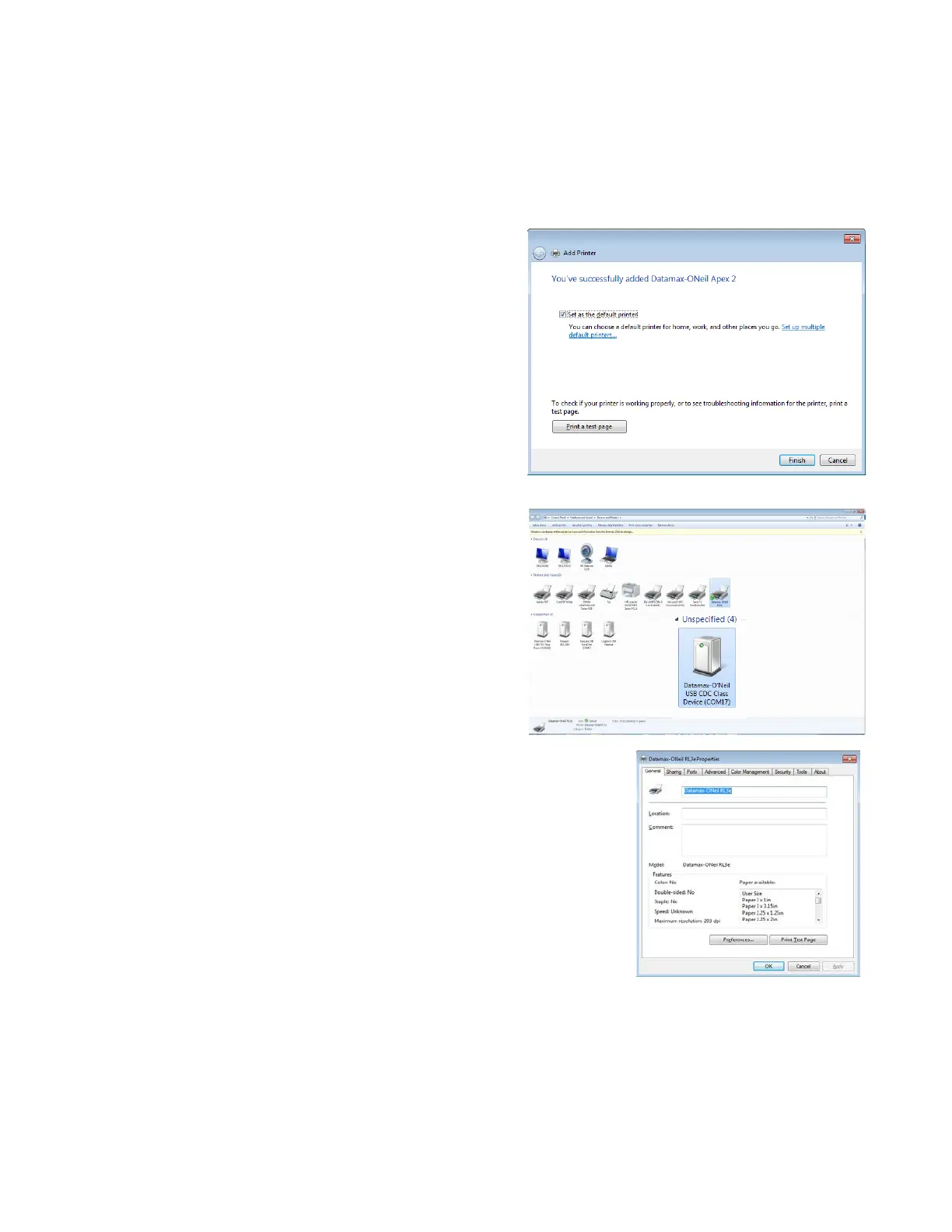
10) Uncheck or check the box “Set as the default
printer,” then click “Finish.” Do not print a test page.
11) Connect the USB cable to your printer and host PC.
Right-click on your printer and select printer
properties. Click on “Print Test Page.” If the print test
does not print, verify that the printer Com Port and the
USB CDC class device COM Port match.



 To Next Page