www.datamax-oneil.com D-7
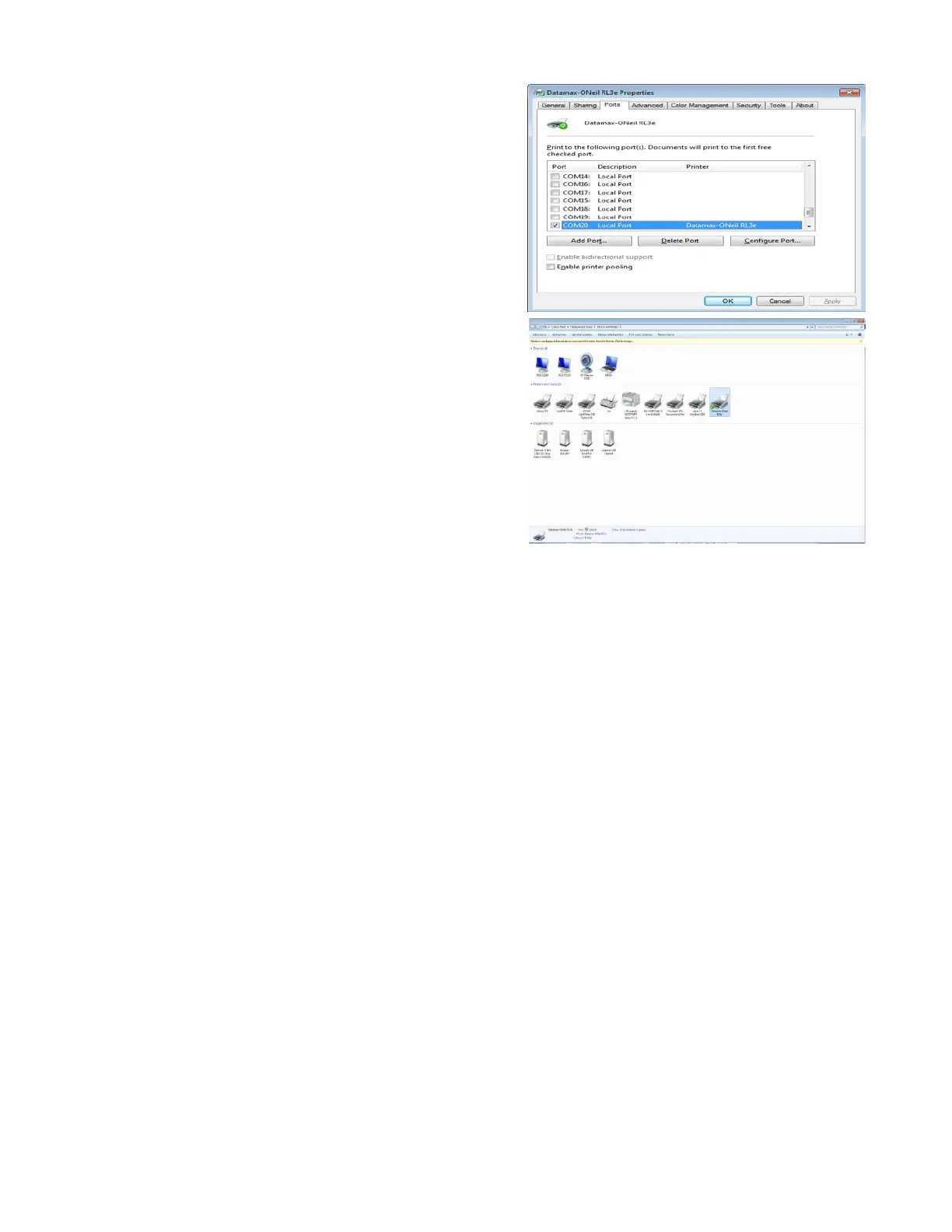
12) To verify, right-click on the printer and select “Printer
Properties.” Next, click on the “Ports” tab. Verify that
the Printer COM Port and the USB CDC Class Device
COM Port match. To update the printer COM Port,
select the port that matches the USB CDC Class device
COM Port, then click “Apply” and “OK.”



 To Next Page