www.datamax-oneil.com D-8
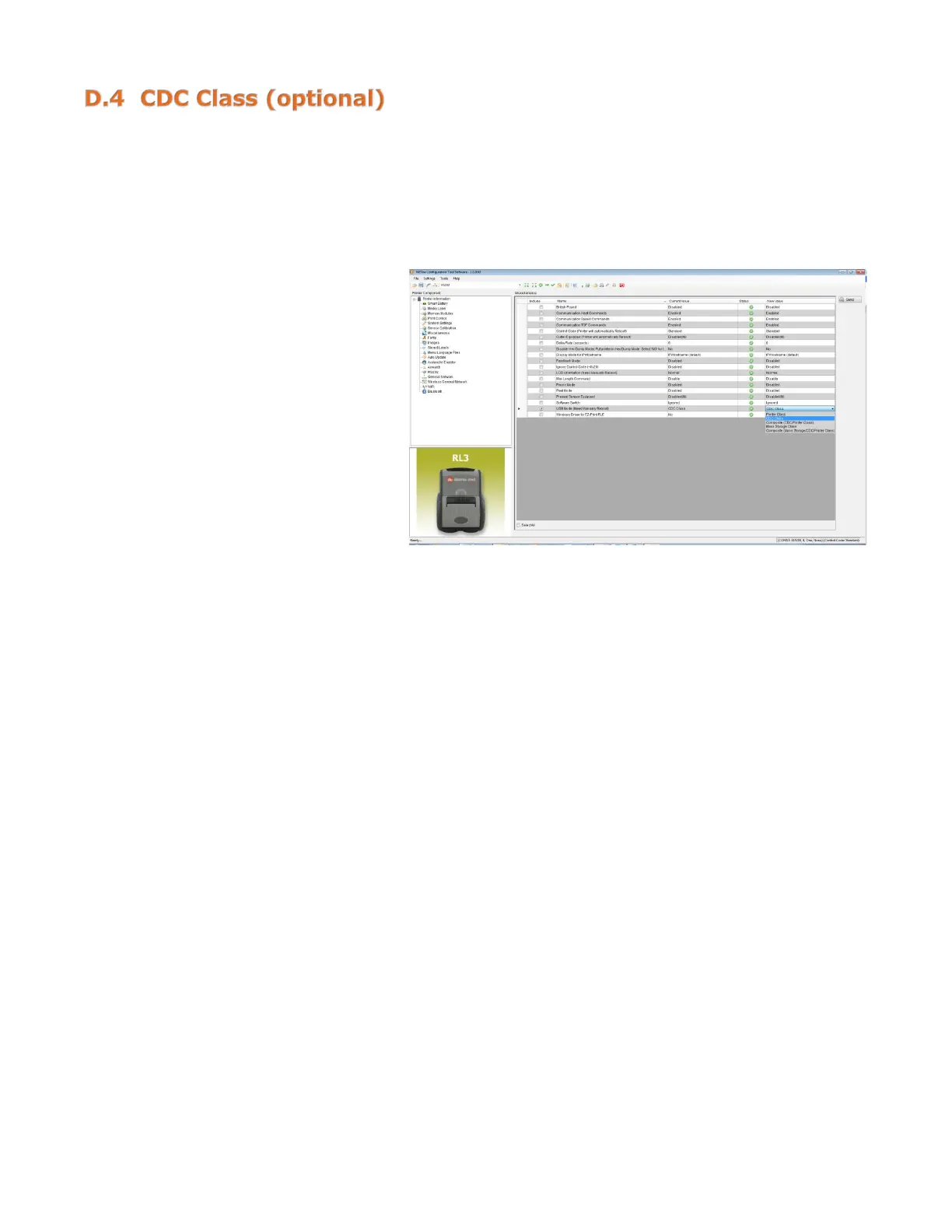
Once the printer is installed following the process in Section C.3, both the printer driver and USB CDC
drivers are installed. If the requirement is for CDC only, you need to update the printer User Mode using
the NETira
™
CT Printer Configuration Utility.
1) Turn on the printer and wait
until the “Ready” screen
appears. Connect the USB cable
to the PC.
2) Open the NETira
™
CT Printer
Configuration Utility.
3) Query the printer by using the
“Auto Detect” button. This will
connect to the printer and
retrieve the settings currently
stored in the printer. If the
printer fails to “Auto Detect,”
check your RS-232 settings to
ensure you have the correct
COM Port selected.
4) Click on “Miscellaneous” and
change the “USB Mode” to “CDC
Class.”
5) Press “Send.”



 To Next Page