DI-2108 Hardware Manual
Controls, Indicators, and Connections
9
4. Controls, Indicators, and
Connections
Mini-B USB Connection
Use the supplied USB cable to connect and power the instrument through your computer’s USB port.
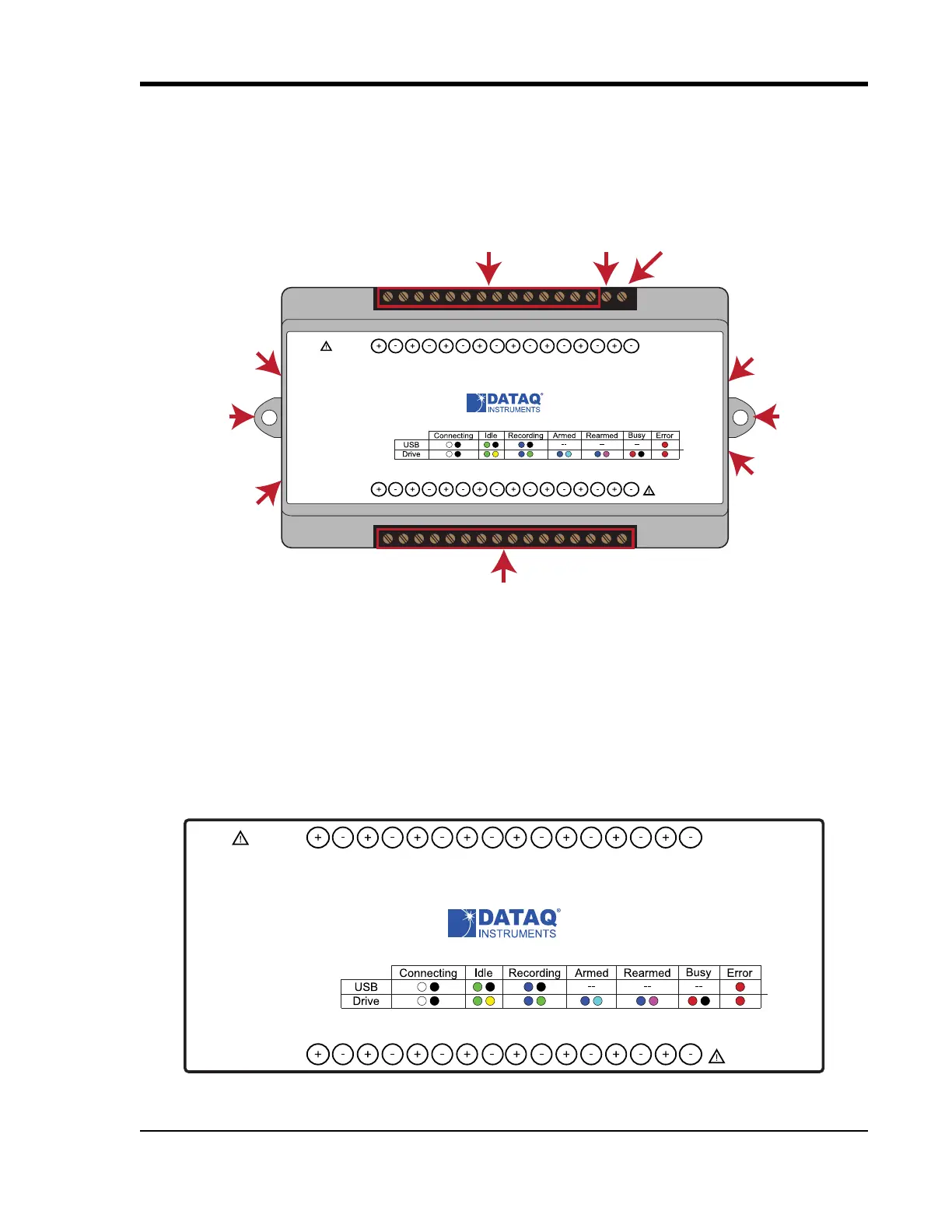
Screw Terminals
All input signal connections are made to the 16-port screw terminals. Each terminal is labeled on the instrument case.
DI-2108 Signal Connections
Refer to the following for screw terminal port identification.
Ch#: Analog channels 1-8 (±10VFS, ±100V transient max.)
Status
D0 D1 D2 D3 D4 D5 D6
Model DI-2108
USB
Button
+5V GnD
CH8
CH7CH6
CH5CH4CH3CH2CH1
±100V Max
0-25V Max
CountRateRecordEvent
Drive
www.dataq.com
±10V F.S.
Analog In Channels 1-8
Digital Ports 0-6
Even Marker
Push Button
Activity LED
+5V Out
Ground
Mini-B USB
Connection
Bulkhead
mounting ear
Bulkhead
mounting ear
USB Drive
Status
D0 D1 D2 D3 D4 D5 D6
Model DI-2108
USB
Button
+5V GnD
CH8
CH7CH6
CH5CH4CH3CH2CH1
±100V Max
0-25V Max
CountRateRecordEvent
Drive
www.dataq.com
±10V F.S.



 To Next Page