DI-2108 Hardware Manual
Unlock WinDaq
29
5. Unlock WinDaq or Stand-
alone Operation
The DI-2108 will record up to four channels using WinDaq/Lite software and a single channel to the USB thumb
drive. An unlock code is required to record all of the channels on the device. There are two unlock codes available for
the DI-2108. Go to https://www.dataq.com/products/di-2108/ to purchase the unlock codes (go to Accessories) or call
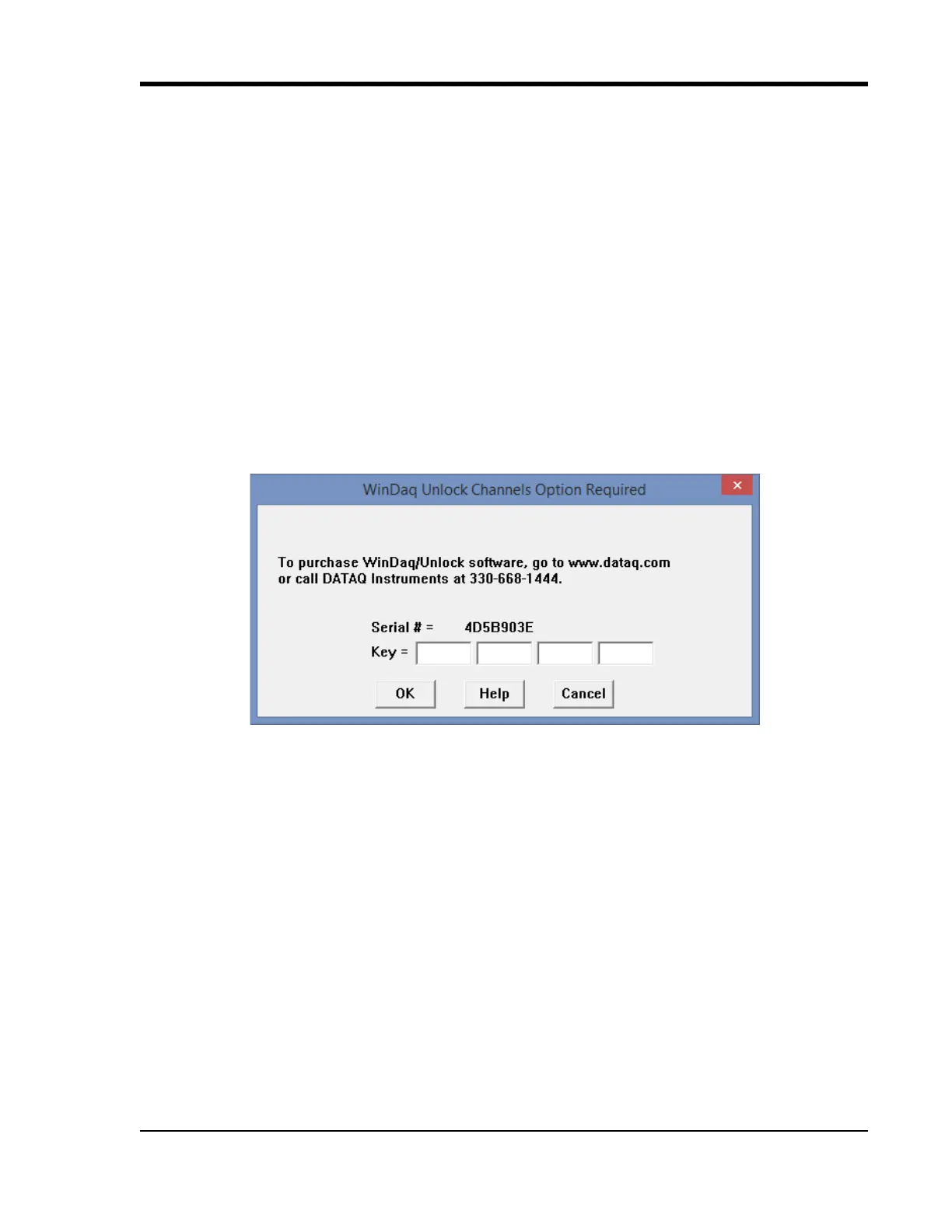
330-668-1444. Once purchased, you will be given a Key code to enter into WinDaq or the WinDaq Dashboard.
WinDaq/Unlock
Allows you to record more than four channels to WinDaq.
1. Start WinDaq Acquisition software.
2. Click the menu item Help > Unlock WinDaq.
3. Enter the Key in the appropriate dialog boxes.
4. Click OK.
SA-Enabled
Allows you to unlock all channels for stand-alone data logging as well as all the channels in WinDaq.
1. Start WinDaq Dashboard software.



 To Next Page