DI-2108 Hardware Manual
Controls, Indicators, and Connections
15
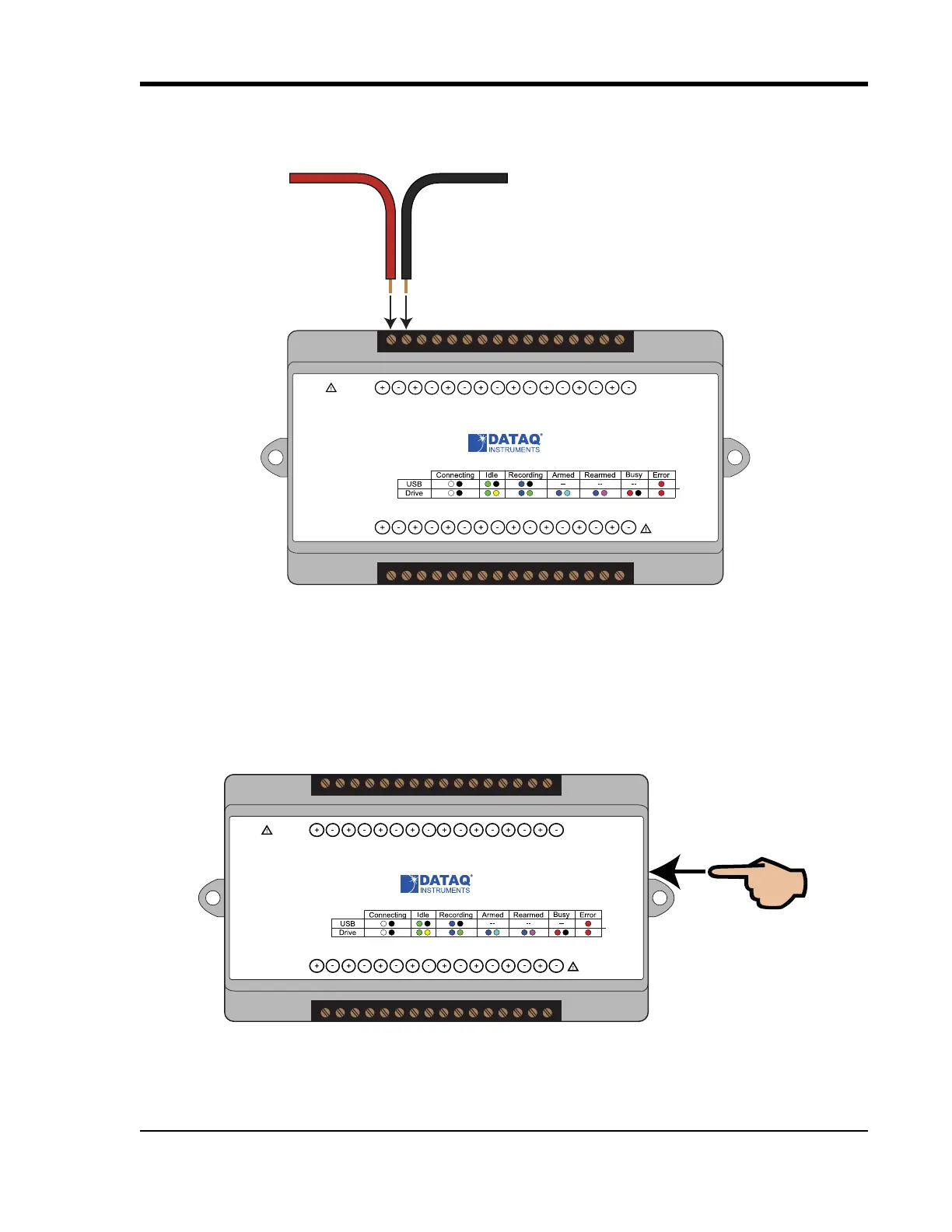
WINDAQ Remote Events (D0 Event)
To use a switch closure or TTL signal to record WINDAQ Event Markers, connect signal leads to the appropriate
Remote Control Event terminals on the DI-2108 as shown below.
Once the switch closure or TTL signal is connected, activate Remote Events through W
INDAQ Acquisition Software.
Events may be automatically placed on the rising or falling edge of the trigger signal. Use the menu command
Options > Remote Events + to set W
INDAQ to place event markers on low-to-high transitions of the Event input.
Use the menu command Options > Remote Events - to set W
INDAQ to place event markers on high-to-low transi-
tions of the Event input.
Event markers may also be placed in your data file manually by pressing the push button on the DI-149 Instrument.
You must enable Remote Events in W
INDAQ to use the button (use the menu command Options > Remote Events
+or Options > Remote Events -).
Status
D0 D1 D2 D3 D4 D5 D6
Model DI-2108
USB
Button
+5V GnD
CH8
CH7CH6
CH5CH4CH3CH2CH1
±100V Max
0-25V Max
CountRateRecordEvent
Drive
www.dataq.com
±10V F.S.
Signal +
Signal -
Status
D0 D1 D2 D3 D4 D5 D6
Model DI-2108
USB
Button
+5V GnD
CH8
CH7CH6
CH5CH4CH3CH2CH1
±100V Max
0-25V Max
CountRateRecordEvent
Drive
www.dataq.com
±10V F.S.



 To Next Page