DI-2108 Hardware Manual
Controls, Indicators, and Connections
28
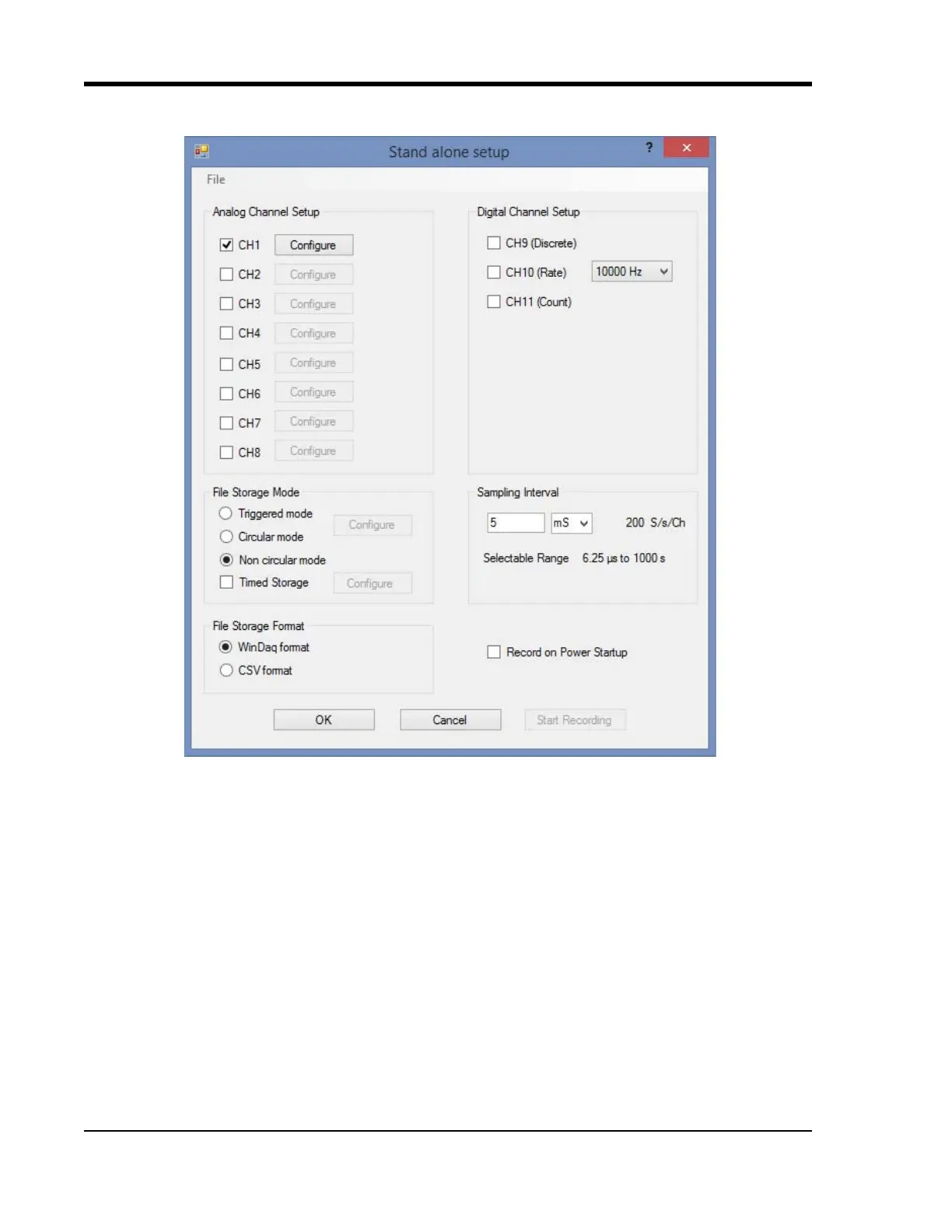
Use the Configure menu to access the Stand alone setup window.
Select and configure all channels available on your device, select a sampling interval, and setup recording Trigger
conditions. The Stand alone configuration also allows you to Save/Load configurations via the File menu. Use the
help file provided in WinDaq Dashboard to learn more.



 To Next Page