DI-2108 Hardware Manual
Controls, Indicators, and Connections
18
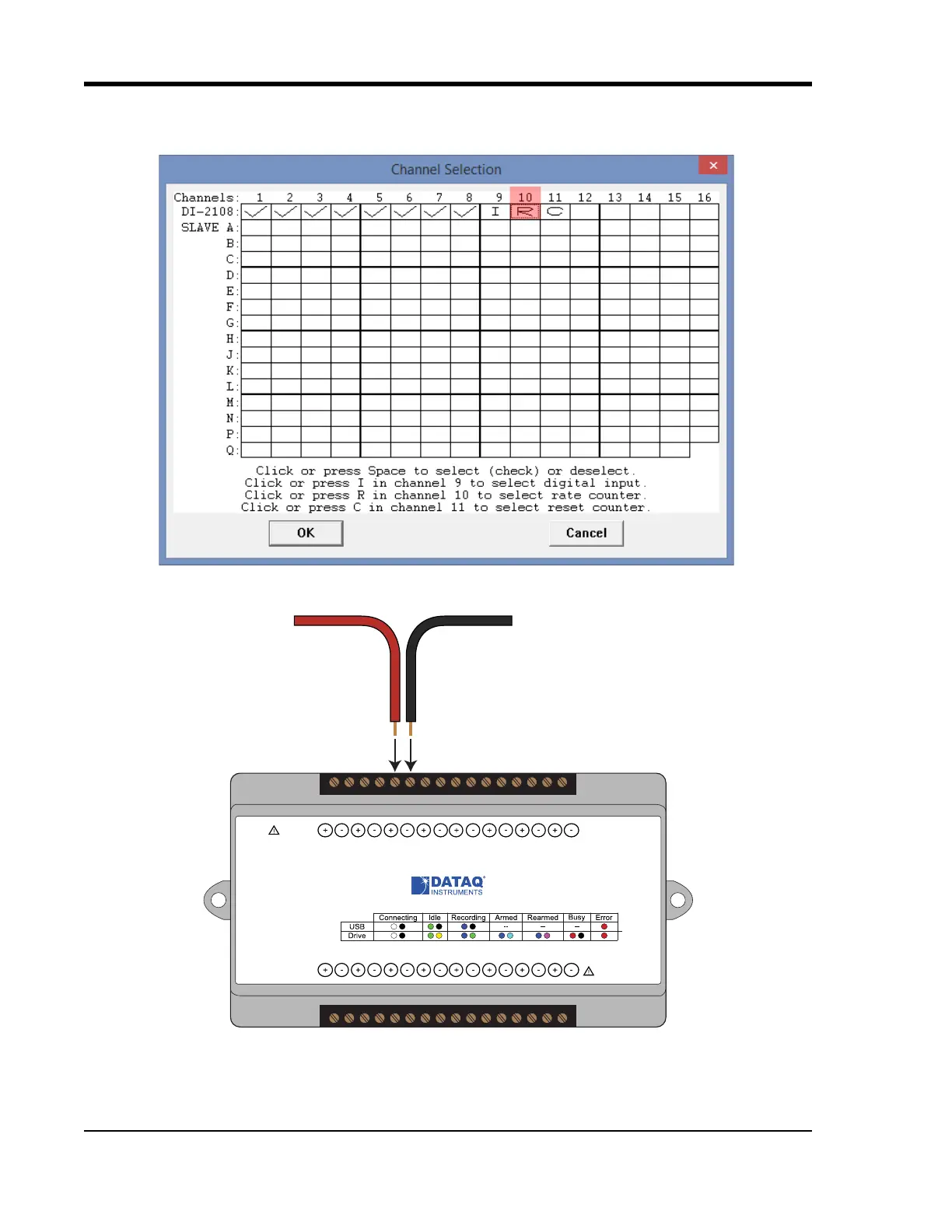
the designated Rate channel. Click on the Channel 10 channel box to enable/disable Rates. The Channel 10 channel
box will display an “R” when enabled.
Connect any TTL pulse stream (25 VDC max) to the D2 Rate channel on the DI-2108.
Select Channel 10 in the channel display, then select Edit > Channel Settings in the menu to specify a full scale
range for the Rate channel. Ranges of 10, 20, 50, 100, 200, 500, 1000, 2000, 5000, 10000, 20000, and 50000 Hz are
available. Choose a range that comes closest to your expected full scale rate or frequency. For example, if you need to
Status
D0 D1 D2 D3 D4 D5 D6
Model DI-2108
USB
Button
+5V GnD
CH8
CH7CH6
CH5CH4CH3CH2CH1
±100V Max
0-25V Max
CountRateRecordEvent
Drive
www.dataq.com
±10V F.S.
Signal +
Signal -



 To Next Page