12
Fasten The HDD SmartGuider Kit Onto The Hard Drive
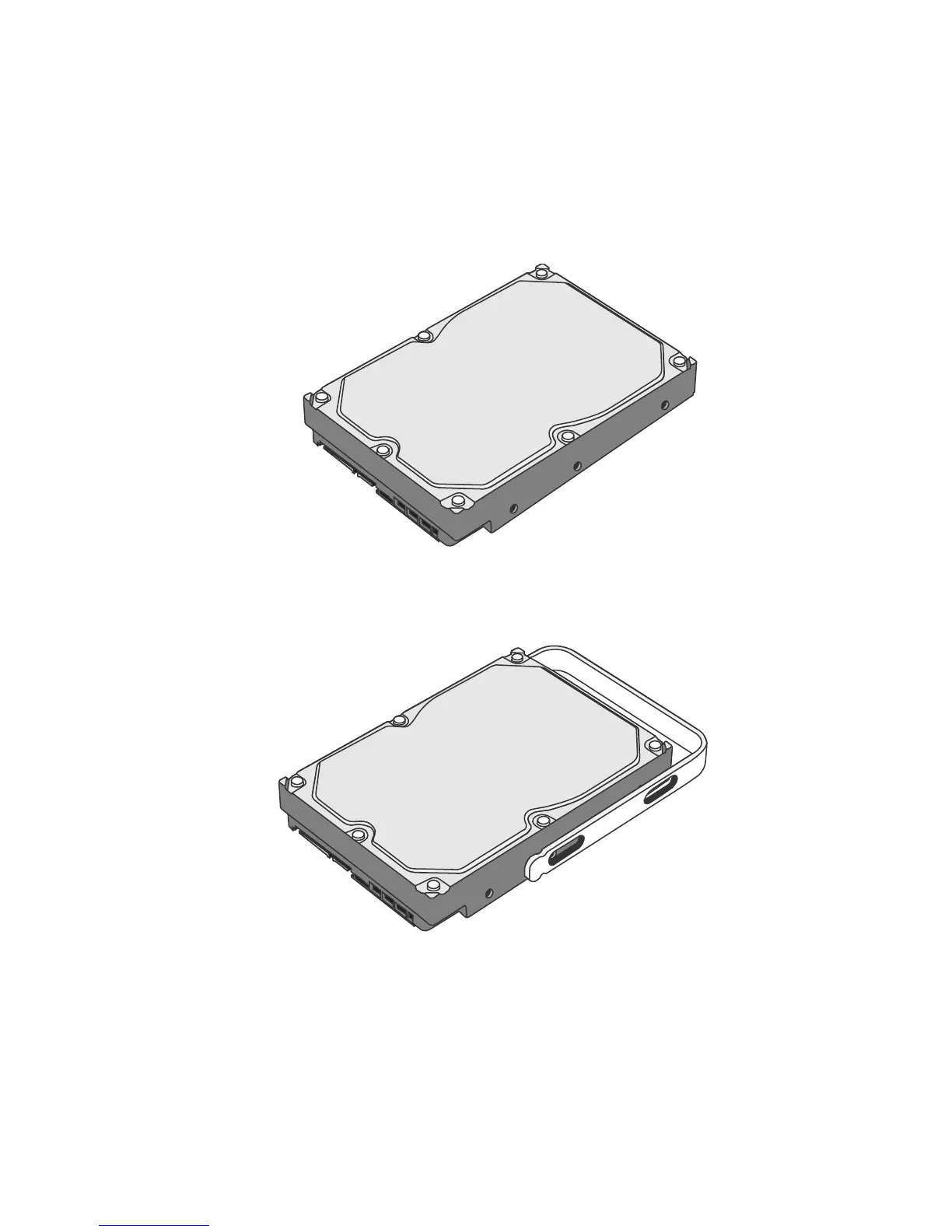
3. Place the hard drive with the metal cover side facing up and ensure that the
interface connectors are oriented toward your left side.
Connectors
4. Position the Handle to the hard drive end, which is facing away from the
interface connectors, and align it with the HDD Screw hole openings.
Connectors



 To Next Page