30
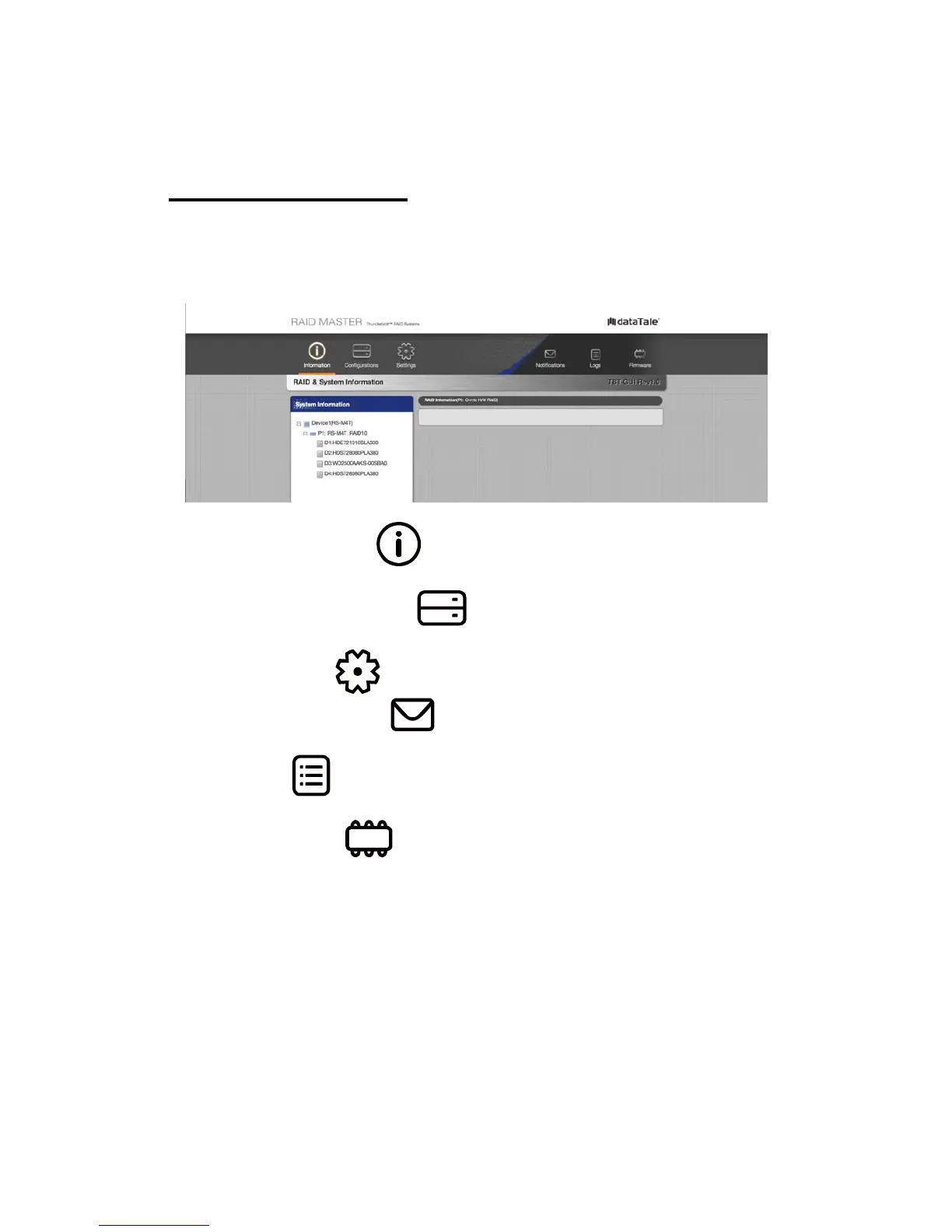
RAID MASTER: GUI
To operate RAID MASTER for the RAID System, please connect the RAID
System to the host computer (more information provided under Connecting the
RAID System to a Host Computer) and double-click on the RAID MASTER icon
to begin:
¾
INFORMATION: Provides basic information for the RAID
System, inserted Disks, and any available RAID Sets.
¾
CONFIGURATIONS: Provides RAID Mode configurations,
inserted Disks’ status, and a list of any available RAID Sets.
¾ SETTINGS: Provides current settings to adjust for Language.
¾
NOTIFICATIONS: Provides Email settings for notifications and
a Notification Center with an Event List to select which Events to notify.
¾
LOGS: Provides record of all the activities completed for the RAID
System and can save the log information as a text format file.
¾
FIRMWARE: Provides RAID System’s current Firmware
information and Firmware Update feature.



 To Next Page