26
RAID MASTER
The RAID MASTER is a specially-designed GUI software specifically for our
DataTale SMART Thunderbolt
TM
RAID Systems. The RAID MASTER for Mac
will be provided via CD or our website. The RAID MASTER delivers a more
convenient yet modern way to manage the RAID System.
RAID MASTER: INSTALLATION
To install the RAID MASTER via CD, please insert the enclosed CD provided in
the package. To install the RAID MASTER via Internet, please download the
appropriate installation package file from our website at www.data-tale.com or
www.datawatchtech.com
before beginning the installation process.
INSTALLATION FOR MAC
Please follow the steps listed in the instructions provided below:
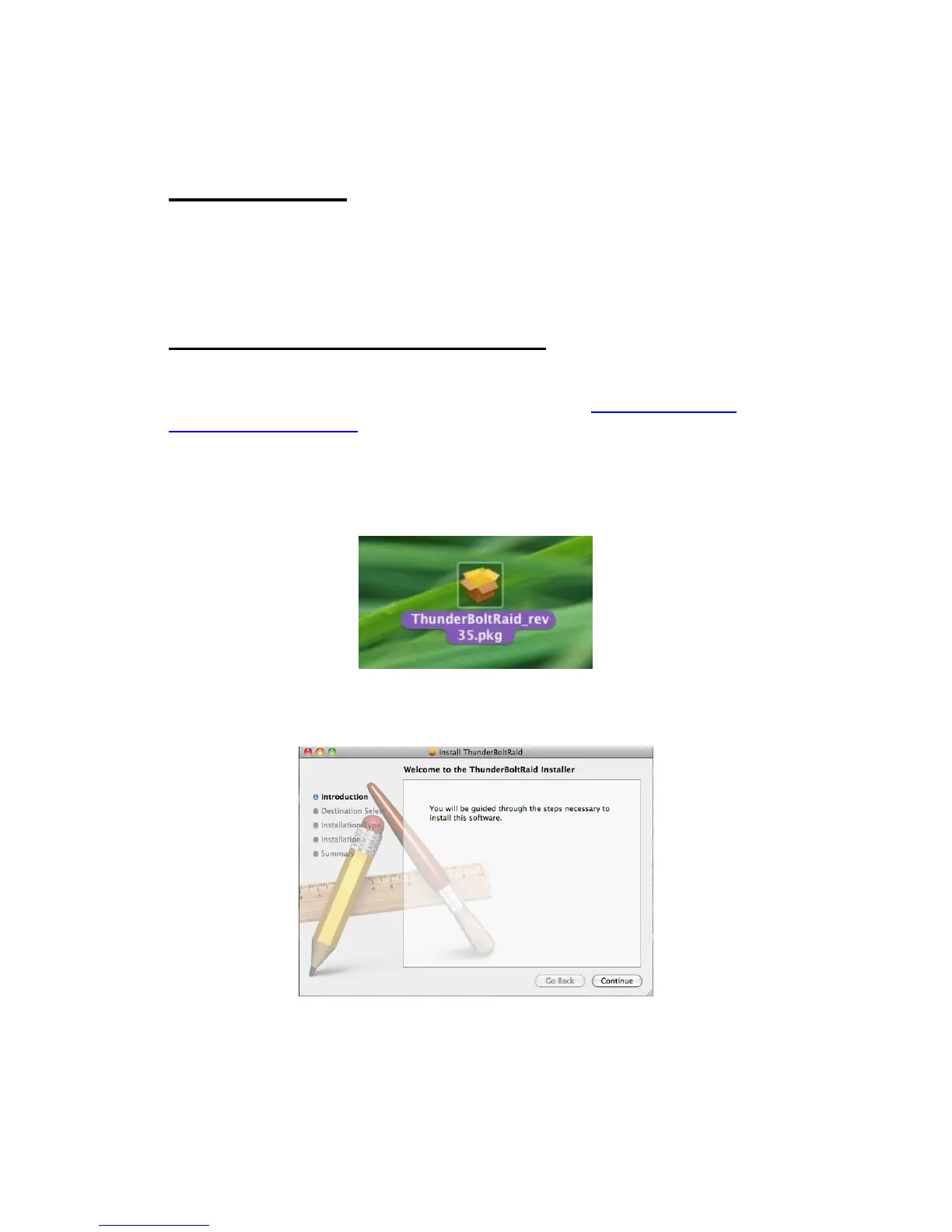
1. First, copy the “Pkg” file onto the host computer desktop, and double click
on the icon.
2. Next, the MAC Software Installer will automatically appear with these
steps: Introduction, Destination Select, Installation Type, Installation, and
Summary. You will be guided through the steps necessary to install this
software. Please click “Continue” to begin the installation process.



 To Next Page