27
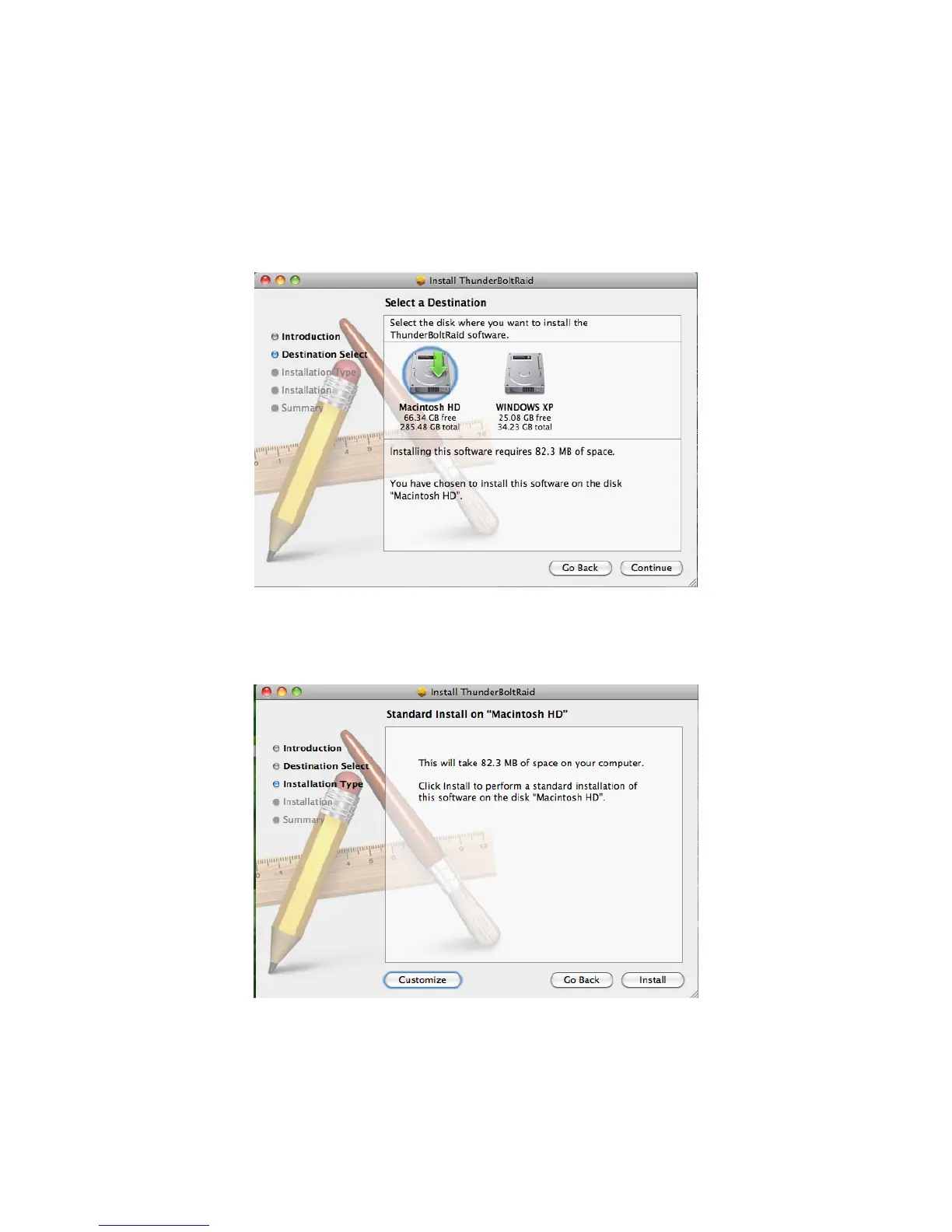
3. Then, under the second step, you will need to select a disk to install the
RAID MASTER, which the host computer’s available disk(s) will appear for
selection. Once a disk is selected, the Installer will specify how much
space will be required to install this software. Please click “Continue” to
continue the installation process.
4. To personally change the Installation Type, please click “Customize” to
specify your preferences. If the Standard Installation is suitable for you,
simply click “Install” to continue the installation process.



 To Next Page