37
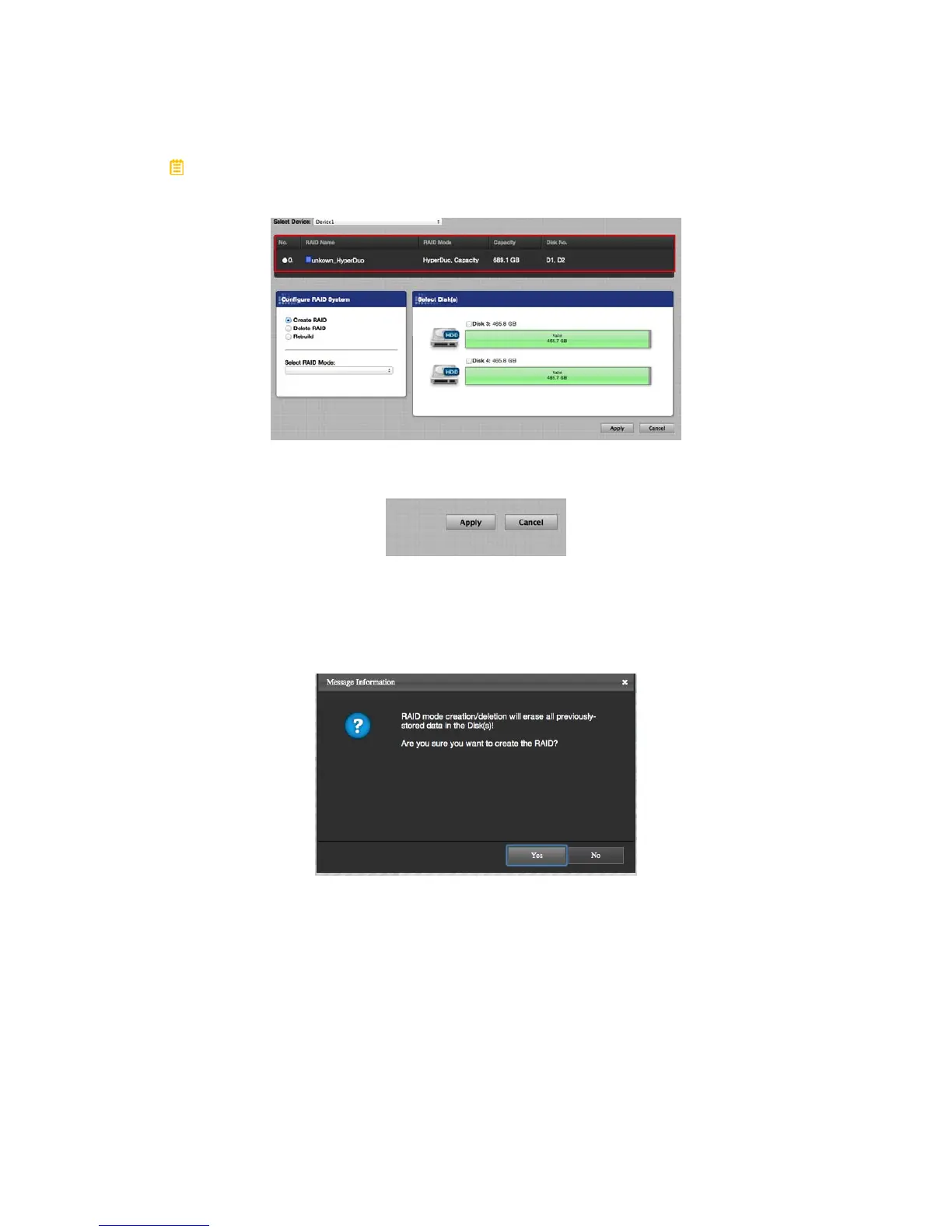
A list of existing RAID Set(s) may appear if the inserted Disk(s) are already
pre-formatted by the RAID MASTER.
2. Then, click on the Apply icon to begin.
3. Once begin, the RAID MASTER will display a Popup Window stating,
“RAID Mode creation/deletion will erase all previously-stored data in the
Disk(s)! Are you sure you want to create the RAID?” Click on the Yes icon
to confirm and continue the process.



 To Next Page