46
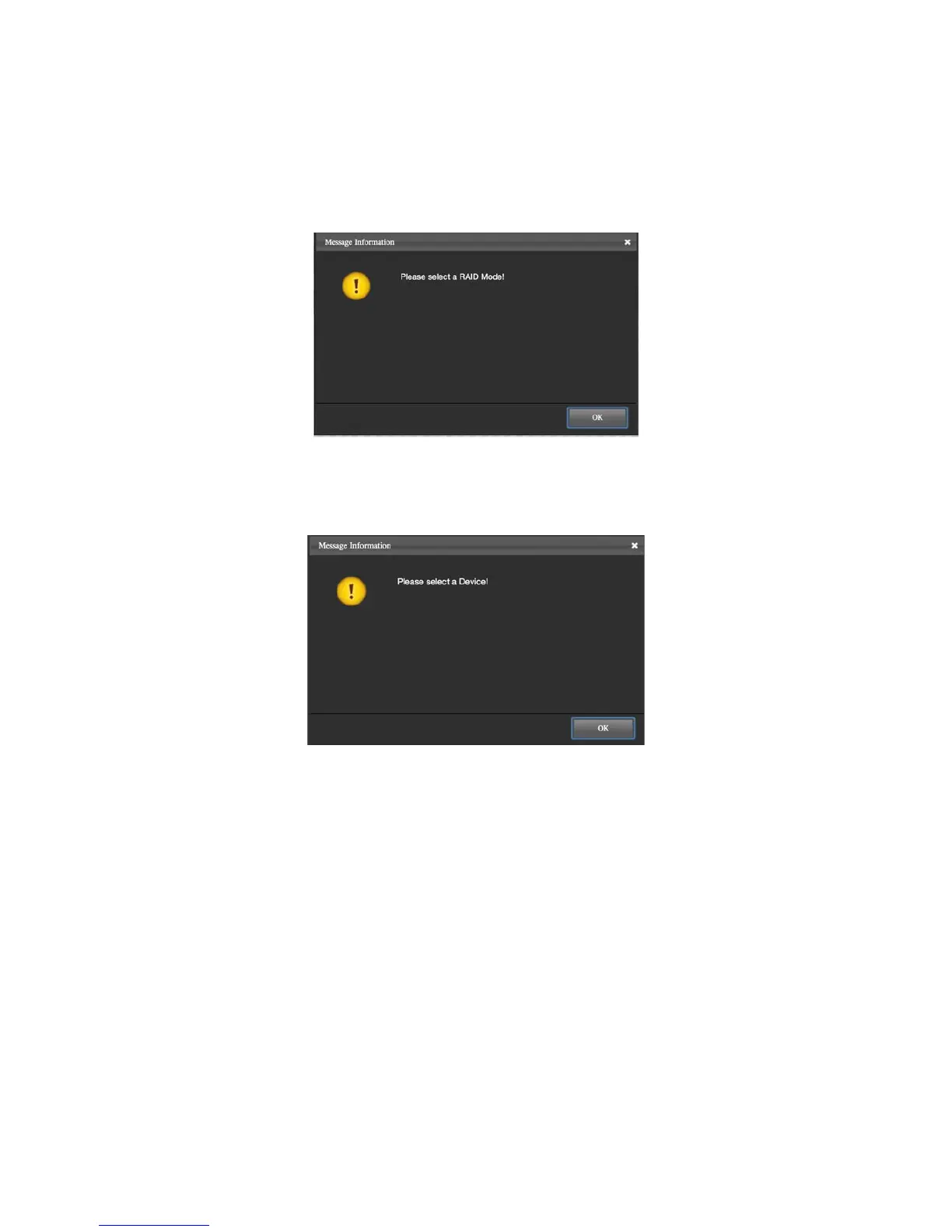
¾ SELECT A RAID MODE
This Popup Window may appear as a warning whenever a RAID Mode
(Create) and/or an existing RAID Set (Delete) are not selected under
RAID Configurations.
¾ SELECT A DEVICE
This Popup Window may appear as a warning whenever a Device is not
selected under any of the Main pages of the RAID MASTER.
¾ BROKEN
A “Broken” Popup Window may appear as a warning if any of the inserted
Disk(s) in a RAID Set have become “non-functional”.
¾ DEGRADE
A “Degrade” Popup Window may appear as a warning if any of the
inserted Disk(s) in a RAID Set have become “non-functional” and the
RAID Set is in danger of losing its stored data unless proper steps are
taken.



 To Next Page