28
Changing the remote control battery
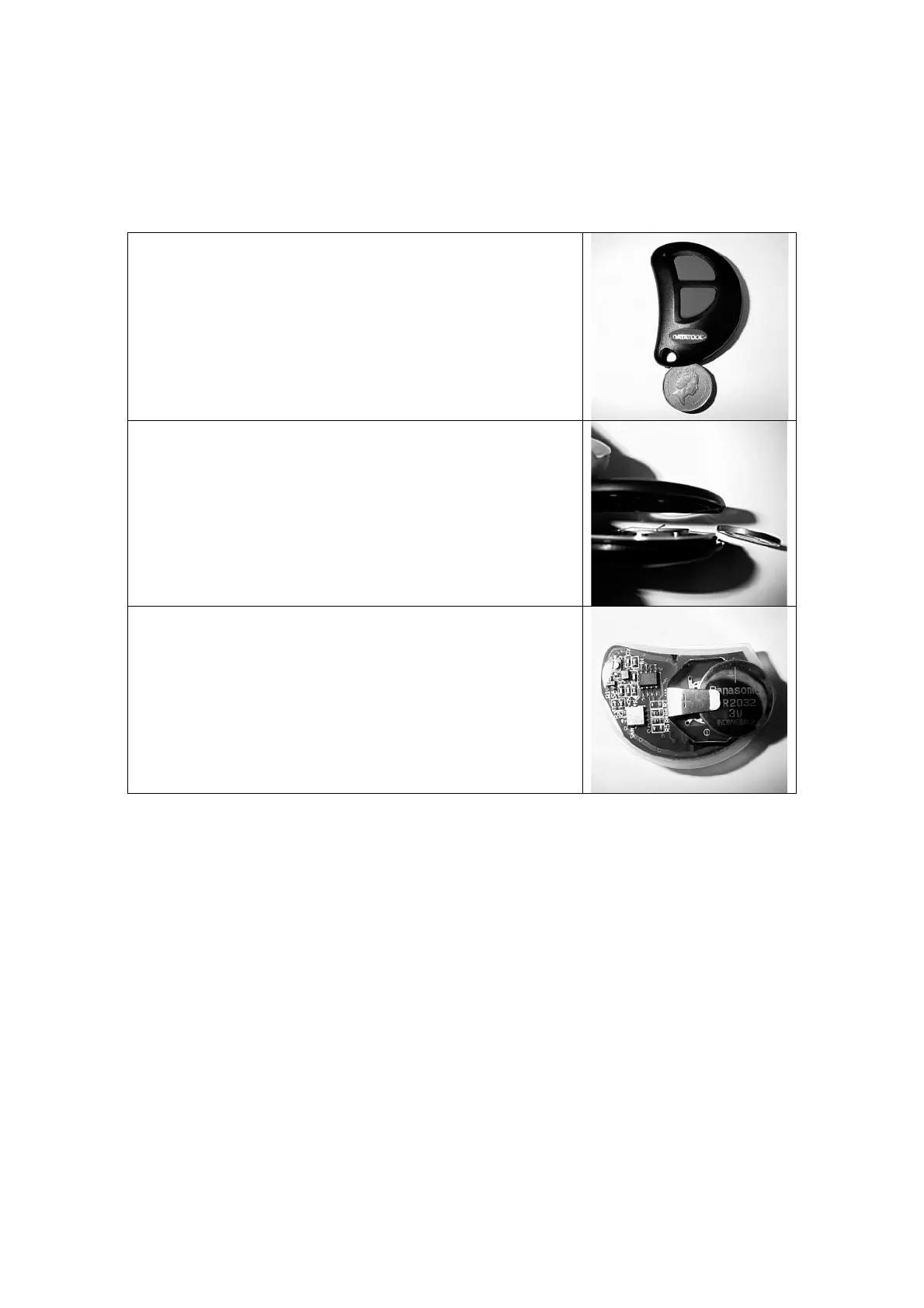
Model S4 C4 Yellow
Use a small coin placed in the recess between the two case halves near the key
attachment hole to split the casings.
Lift the circuit board from the rubberised seal and remove the CR2032 Lithium cell
from its holder noting the polarity.
Maintaining the polarity, fit a new battery into the holder and then refit the circuit
board into its rubberised housing.
Line up the two case halves and snap them together.
Finally test the remote control for correct operation by operating the alarm.


 To Next Page