47
Current usage S4 Red and Green products
Average current (sampling 10mins ) Voltage
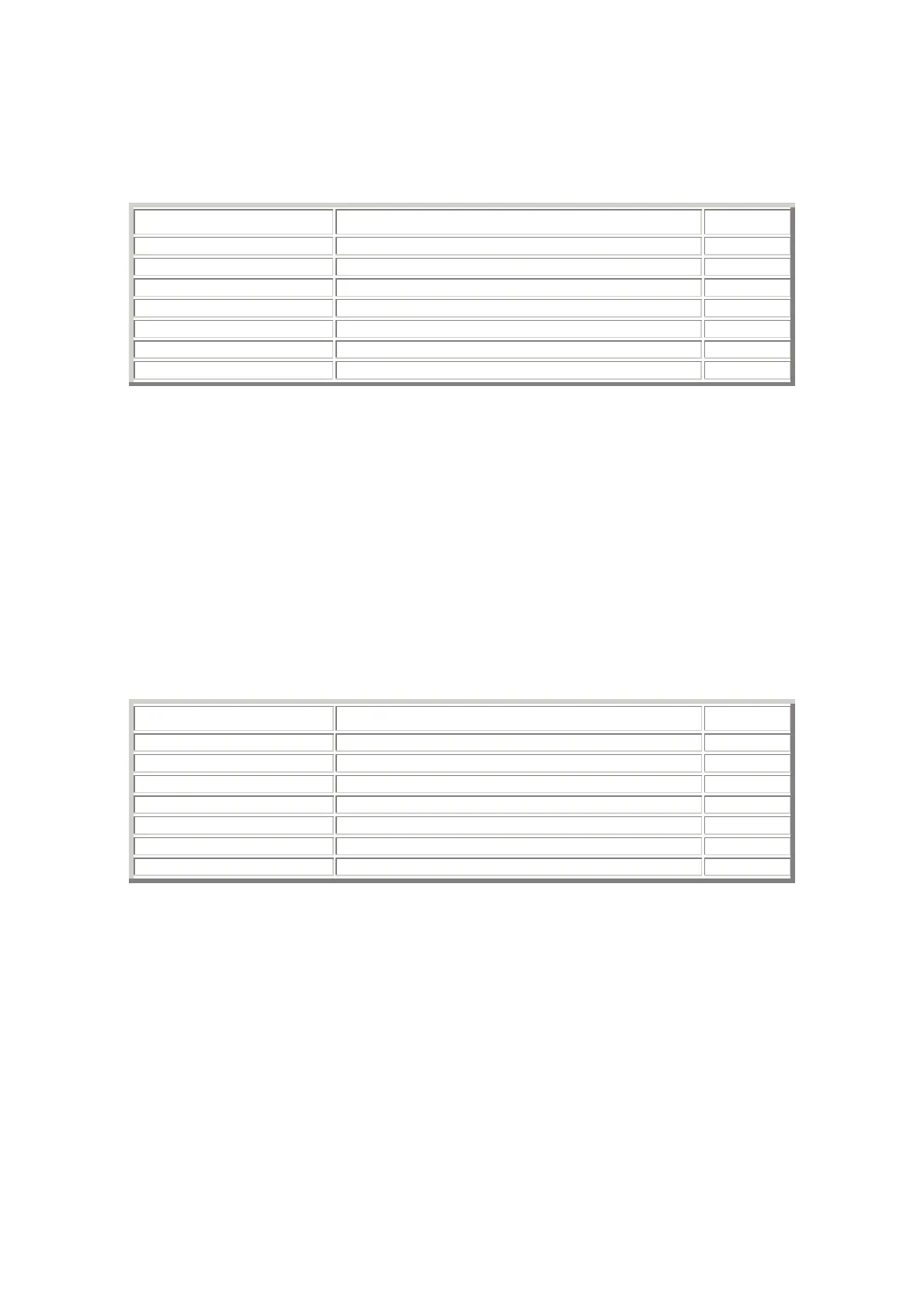
Disarm 2.85mA 12.0 V
IGN ON 118.2mA 12.0 V
Arm 2.897mA 12.0 V
Sleep mode level 1 2.233mA 11.5 V
Sleep mode level 2 2.218mA 10.5 V
Sleep mode level 3 2.216mA 9.8 V
Winter mode 131µA 12.0 V
Please note these current readings are with the internal battery within the alarm fully charged.
It takes 24 hours to fully charge the internal battery therefore DO NOT carry out any current draw test until this
time has elapsed.
Please also note the removal and re application of power to the alarm also starts the above charging cycle for a
full 24 hours. This is to ensure the internal battery is ALWAYS returned to peak efficiency whenever the power is
removed from the alarm. Under no circumstances remove the power from the alarm if you wish to carry out a
current draw test.
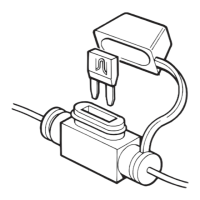
The best way to carry out the test is to connect a meter, set to around 20mA scale, to either side of the alarm
fuse, turn it on AND THEN withdraw the alarm fuse.
Please ensure no other devices which consume current with the ignition turned off are connected to this fuse
when you are carrying out the test.
Also check the fuse is not damaged within your meter prior to testing, because if it IS blown you will start the
internal battery charge cycle.
Current usage S4 Yellow
State Average current (sampling 10mins ) Voltage
Disarm 2.09mA 12.0 V
IGN ON 53.5mA 12.0 V
Arm 2.14mA 12.0 V
Sleep mode level 1 1.41mA 11.5 V
Sleep mode level 2 1.40mA 10.5 V
Sleep mode level 3 1.39mA 9.8 V
Winter mode 131uA 12.0 V
Current testing of the S4 Yellow can be done at any time because this product does not have an internal battery.


 To Next Page