46
7. How to Use PTC-285’s AI Auto Tracking
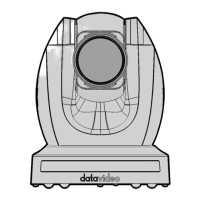
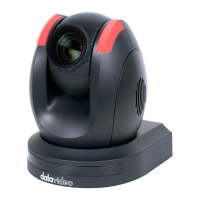
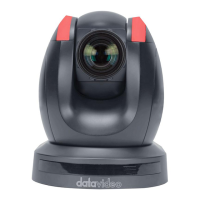
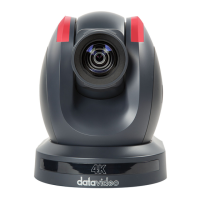
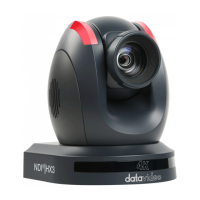
The Datavideo PTC-285 is a 4K Tracking PTZ camera that allows you to use the
AI Auto-Tracking function in a single-person or multi-person scenario. The
PTC-285 provides two AI Auto-Tracking modes including single-person and
multi-person tracking modes. Please refer to the following sections for
operating the Auto-Tracking function of the PTC-285.
7.1 How to turn on the AI Auto-Tracking Function
Please follow the following steps for turning on PTC-285’s AI Auto-Tracking
function.
1. Please use PTC-285’s remote controller to turn on the AI Auto-Tracking
function. Please long-press the “Preset 1” button of the remote
controller for 2 seconds.
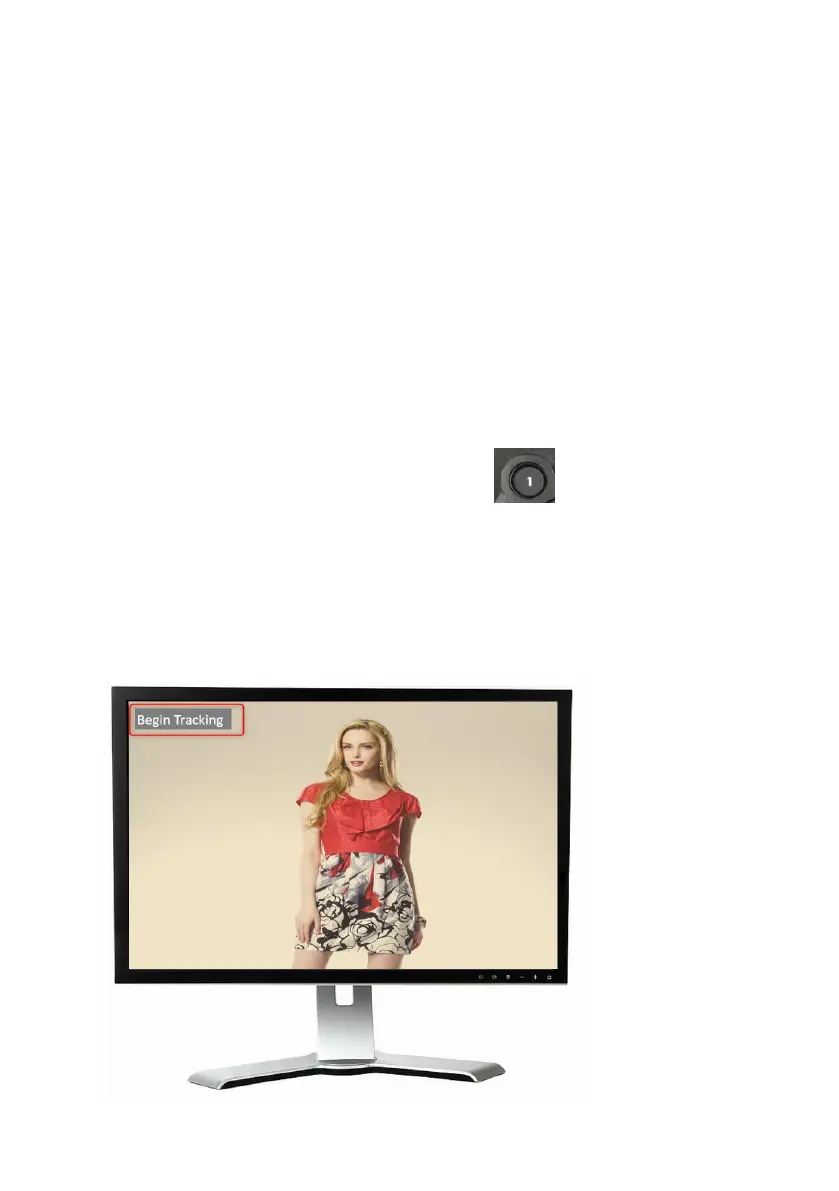
2. At this time, PTC-285’s AI Auto-Tracking function will be turned on. There is
a reminder “Begin Tracking” that will be shown on the OSD of the external
monitor which is connected to the PTC-285. This means that the AI Auto-
Tracking function is turned on successfully.


 To Next Page