48
7.3 Single-Person Scene Auto-Tracking Mode
When applying in the single-person scenario, please follow the following steps
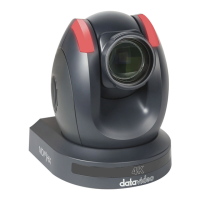
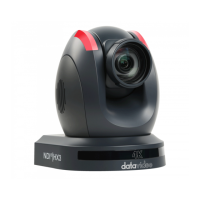
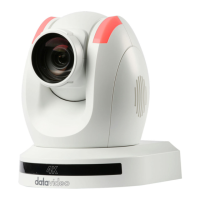
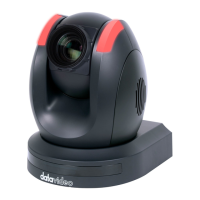
for using the “Single-Person Scene Auto-Tracking Mode” of the PTC-285.
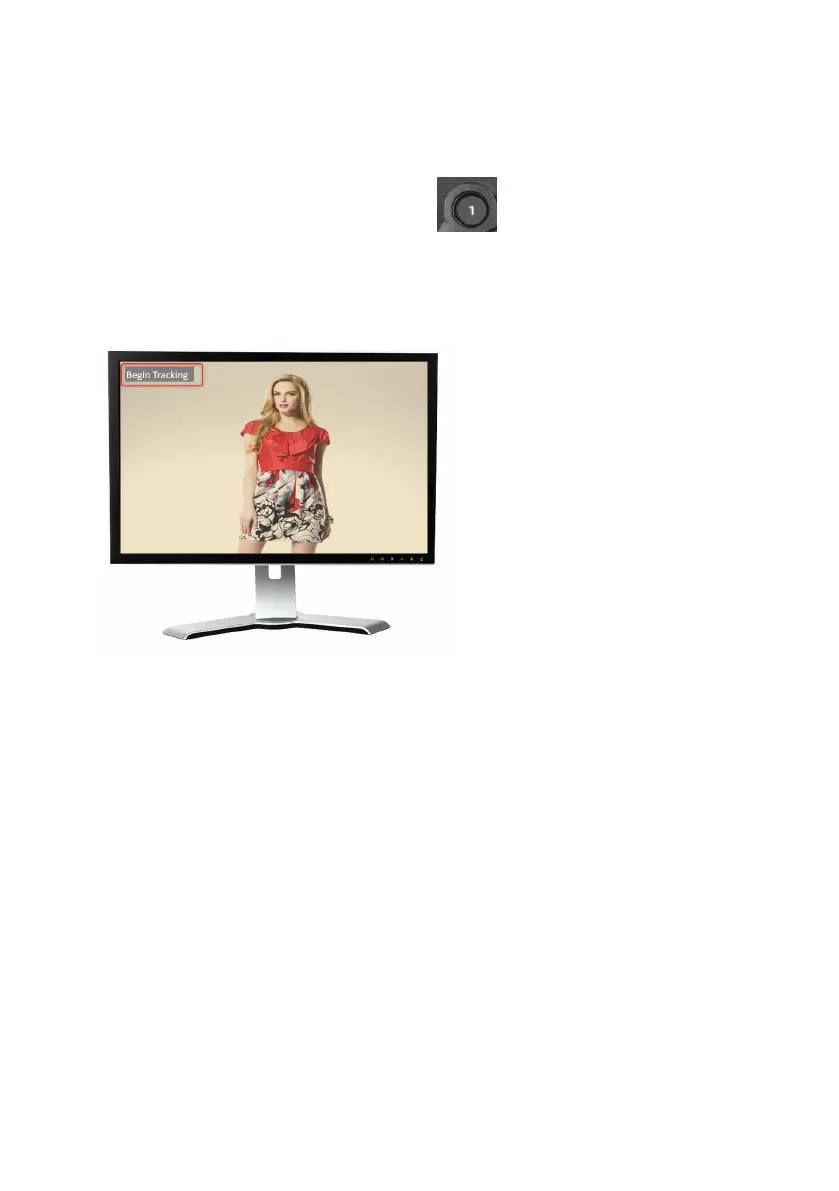
1. Please long-press the “Preset 1” button of the remote controller for
2 seconds. After the reminder “Begin Tracking” is shown on the OSD of the
external connected monitor, it means that the “Single-Person Scene Auto-
Tracking Mode” of the PTC-285 camera is turned on successfully.
2. At this time, the PTC-285 will lock the target and track it directly.
3. When the tracking target is lost, the PTC-285 will stay at the position where
the tracking target is lost for a few seconds and then go back to the initial
position. When the tracking target appears again, the PTC-285 will track the
target automatically.


 To Next Page