82
10. Control the Camera by the PTZ View Assist App
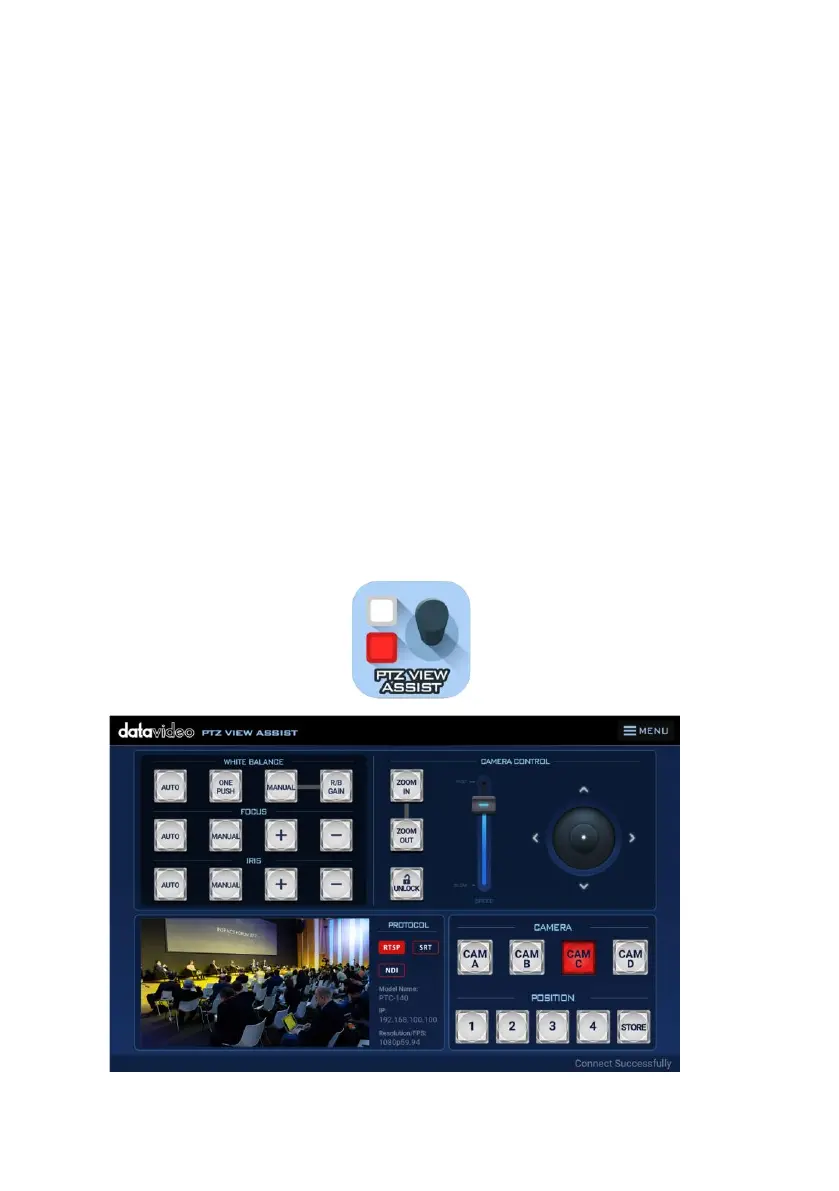
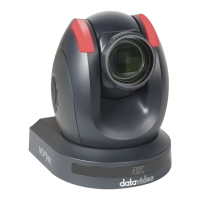
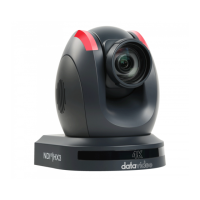
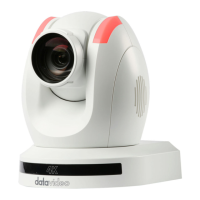
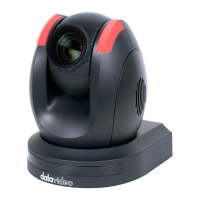
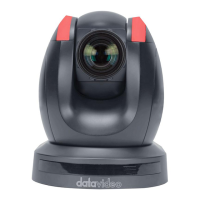
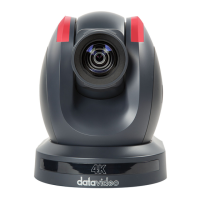
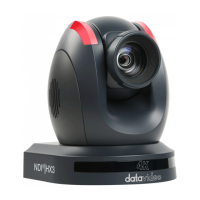
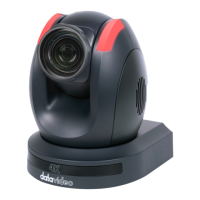
Datavideo provides PTZ View Assist App for you to control up to 4 PTC-285
cameras by using Android or iOS handset. What you have to do is to set your
handset or tablet in the same LAN with the PTZ View Assist App by the static
IP address, and then you can control various functions of the camera by the
Wi-Fi connection. Please download the PTZ View Assist App for the Android or
iOS platform by using the following addresses.
Note: The Datavideo PTZ View Assist App can be operated only in DVIP mode.
So, please remember to adjust the PTC-285 camera to the DVIP mode before
using the Datavideo PTZ View Assist App.
For the Android device: Please go to “Google Play” and then search for the
“PTZ View Assist”. Finally, please download and install it.
For the iOS device: Please go to “App Store” and then search for the “PTZ
View Assist”. Finally, please download and install it.


 To Next Page