50
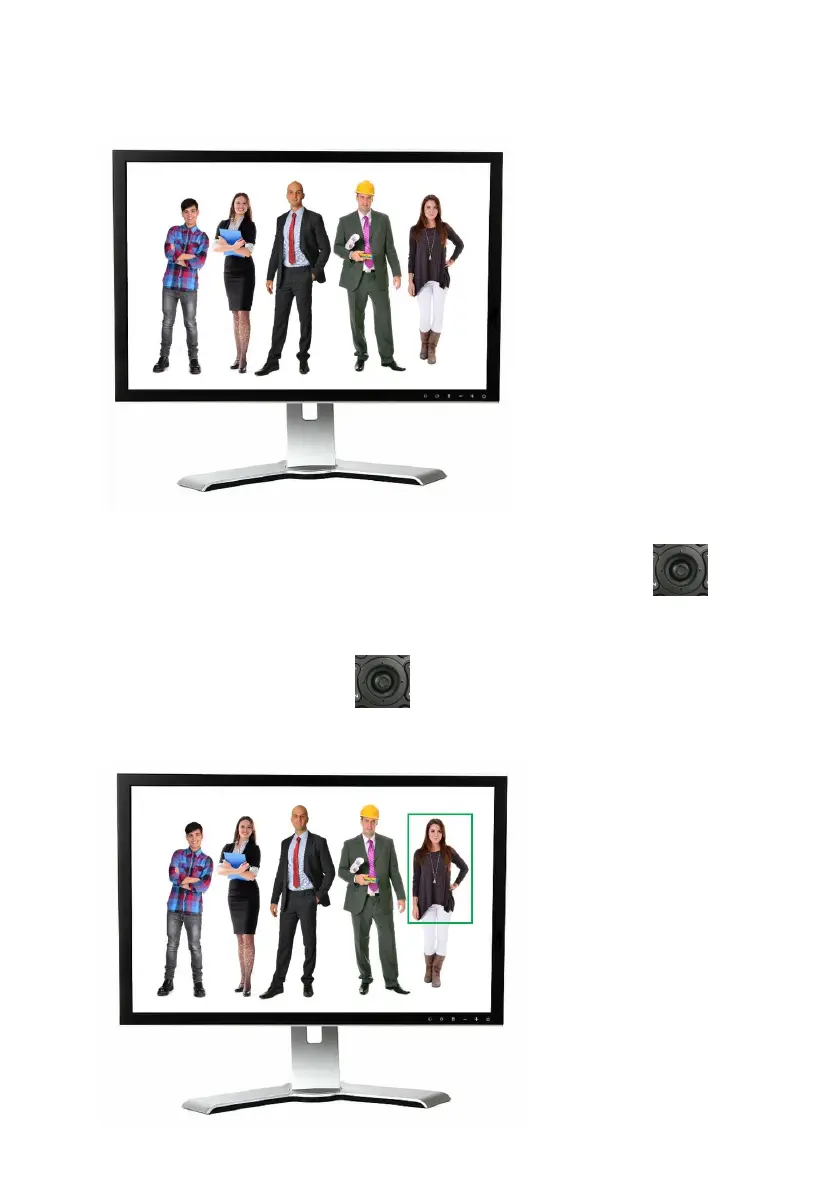
3. After the tracking is started, the green frame will disappear which is shown
in the following diagram.
4. During the process of the “Multi-Person Scene Auto-Tracking” Mode, if you
want to change your tracking target, please use the “Micro Joystick”
from the remote controller directly to select your new tracking target. After
that, a green frame will be shown, please select your new tracking target and
then press the “Micro Joystick” from the remote controller. And then it
will start to track the new target.


 To Next Page