Power On Self-test
The DPP350’s LF switch/button is used for entering various printer
modes. These modes can be used to assist developers in debugging
problems related to programming and communication. The
following explain how to access the various operating modes.
Step #1: Make sure the printer is OFF (On-line LED is OFF) before
performing step #2.
Step #2: Press and hold the line feed button (LF). While pressing
the (LF) button, press the (ON) button momentarily and
release when the Status LED turns green. Release LF
button after the printer Beep once. Shortly after the LF
button is released the printer will print self-test.
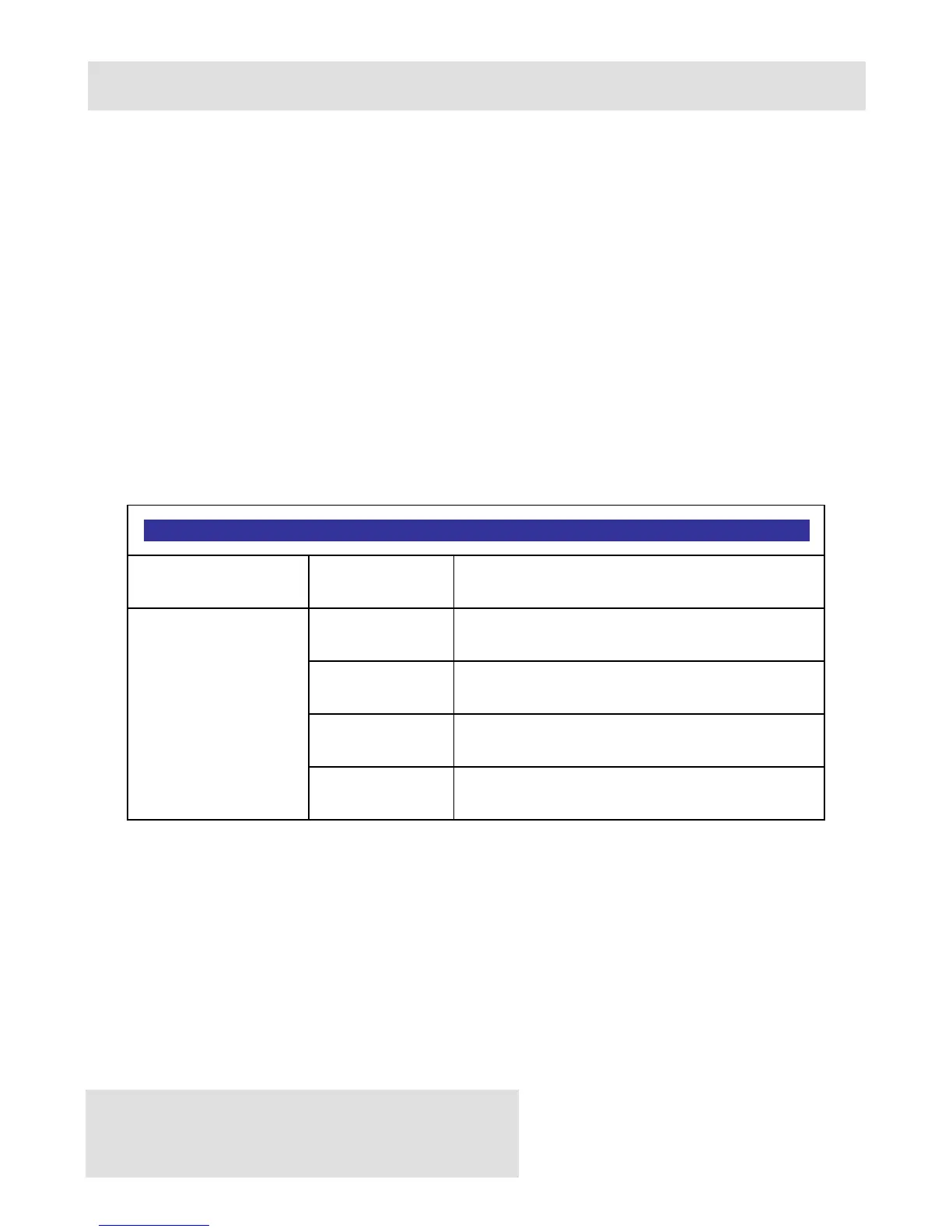
LF Button Operation Modes
Short Push N/A Paper feed
1 - beep Self-test print
2 - beeps Hex Dump mode
3 - beeps Long-test print
Push and
Hold -
release after
the number
of beeps
4 - beeps Program mode
Table 5
Note: Care must be taken when entering operating modes to prevent the
clearing of factory preset configuration information.



 To Next Page