Setting Memory Switch
MEMORY SWITCH SETTINGS:
Step #1: Make sure the printer is OFF (STATUS LED is OFF) before
performing step #2.
Step #2: Press and hold the Power (ON) button. The Status LED
flashes Green and after about 4 seconds holding
the Power button the Status LED flashes Red and
then turns solid Red.
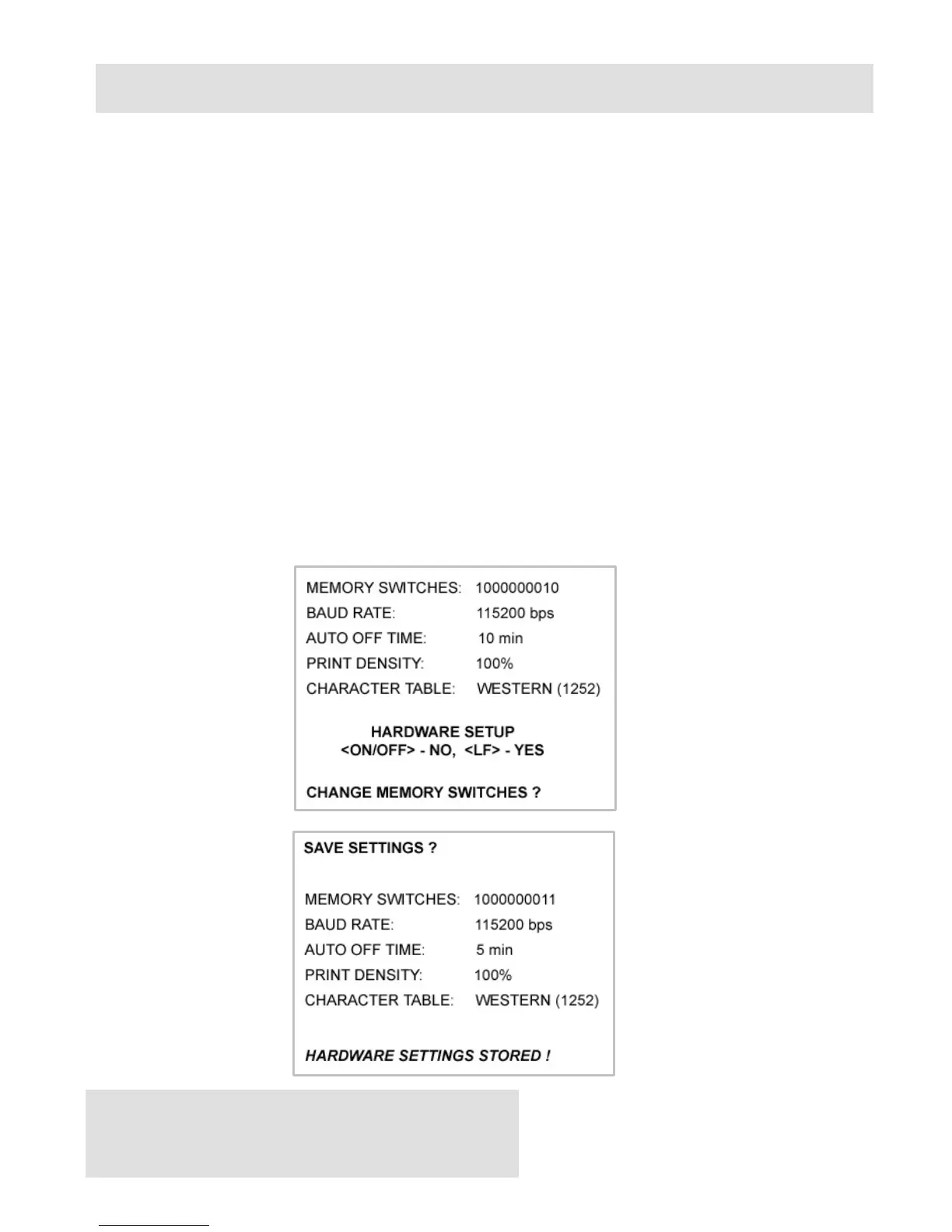
Step #3: Release the button and wait for the printer to print out the
current memory switch settings and instructions. Follow the
printed instructions to make the necessary changes.
Note: Care must be taken when changing factory preset
configuration information.



 To Next Page