3KP64 - 3.9
3000PLUS WITH 5D64 INSTRUCTION MANUAL V. SB.2
Daytronic Corporation
2211 Arbor Blvd. Dayton, OH 45439 • (800) 668-4745
Tel: (937) 293-2566 • Fax: (937) 293-2586 • www.daytronic.com
SETUP STAGE 3: FILTERS
When the
3000PLUS
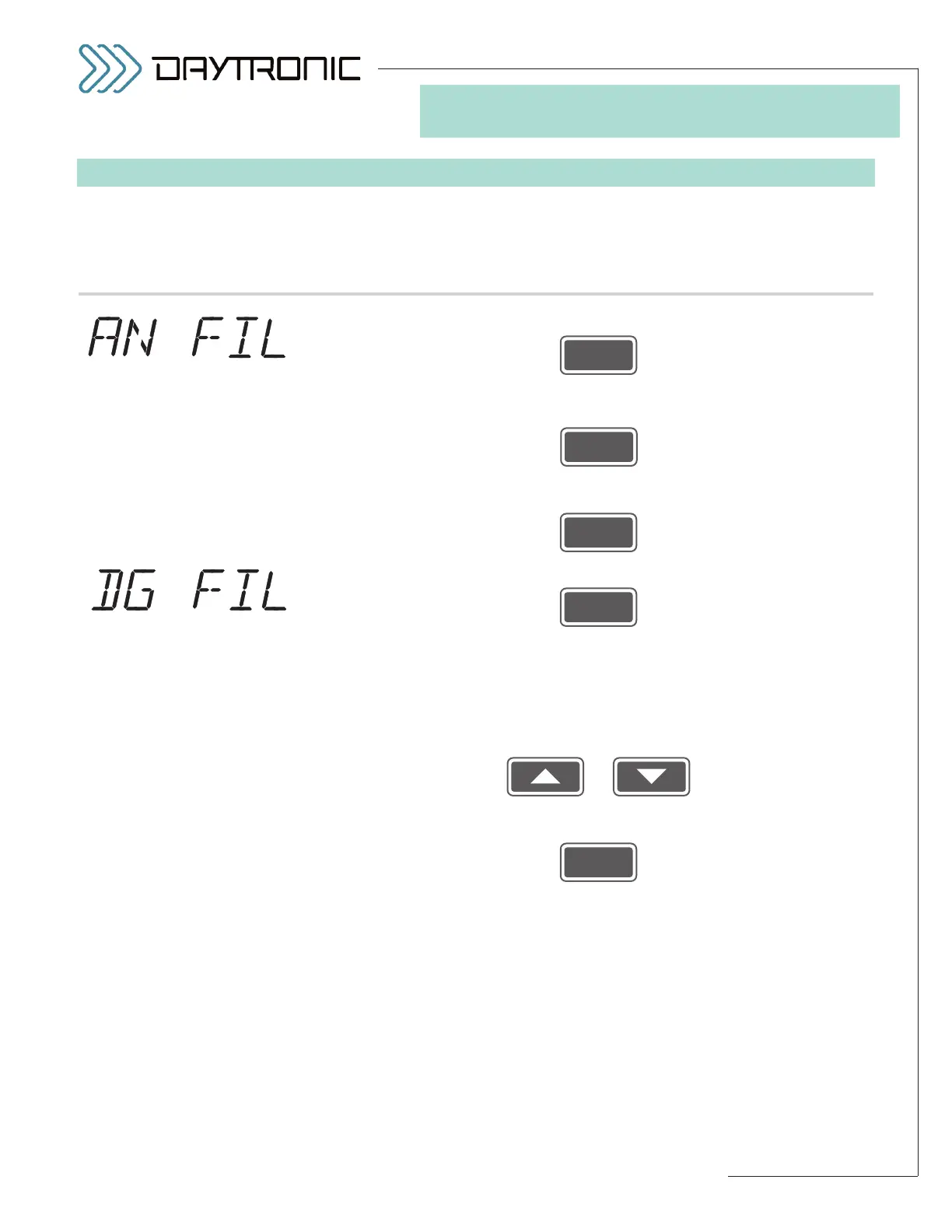
displays this . . . Do this . . .
3.a. Press
3.b. The installed 5D64 module’s current
ANALOG FILTER corner frequency
will be displayed. Press
repeatedly to cycle through the list of allowed values (shown left). When
the desired filter frequency is displayed, press
3.c. Press
3.d. The 3000PLUS instrument’s currently effective
DISPLAY (or “DIGITAL”)
FILTER
value will be displayed. This is an integer from 0 through 9, indicat-
ing increasing amounts of digital smoothing (with “9” being the maximum
amount, and “0” indicating that no digital smoothing is being applied to the
display reading).
Press
or
repeatedly until the desired display filter value is displayed. You will not be
able to display a number less than 0 or greater than 9. Then press
to proceed to
Setup Stage 4 (next page).



 To Next Page