3KP64 - 3.24
3000PLUS WITH 5D64 INSTRUCTION MANUAL V. SB.2
SETUP STAGE 4(T): TWO-POINT CALIBRATION
(
cont’d)
When the
3000PLUS
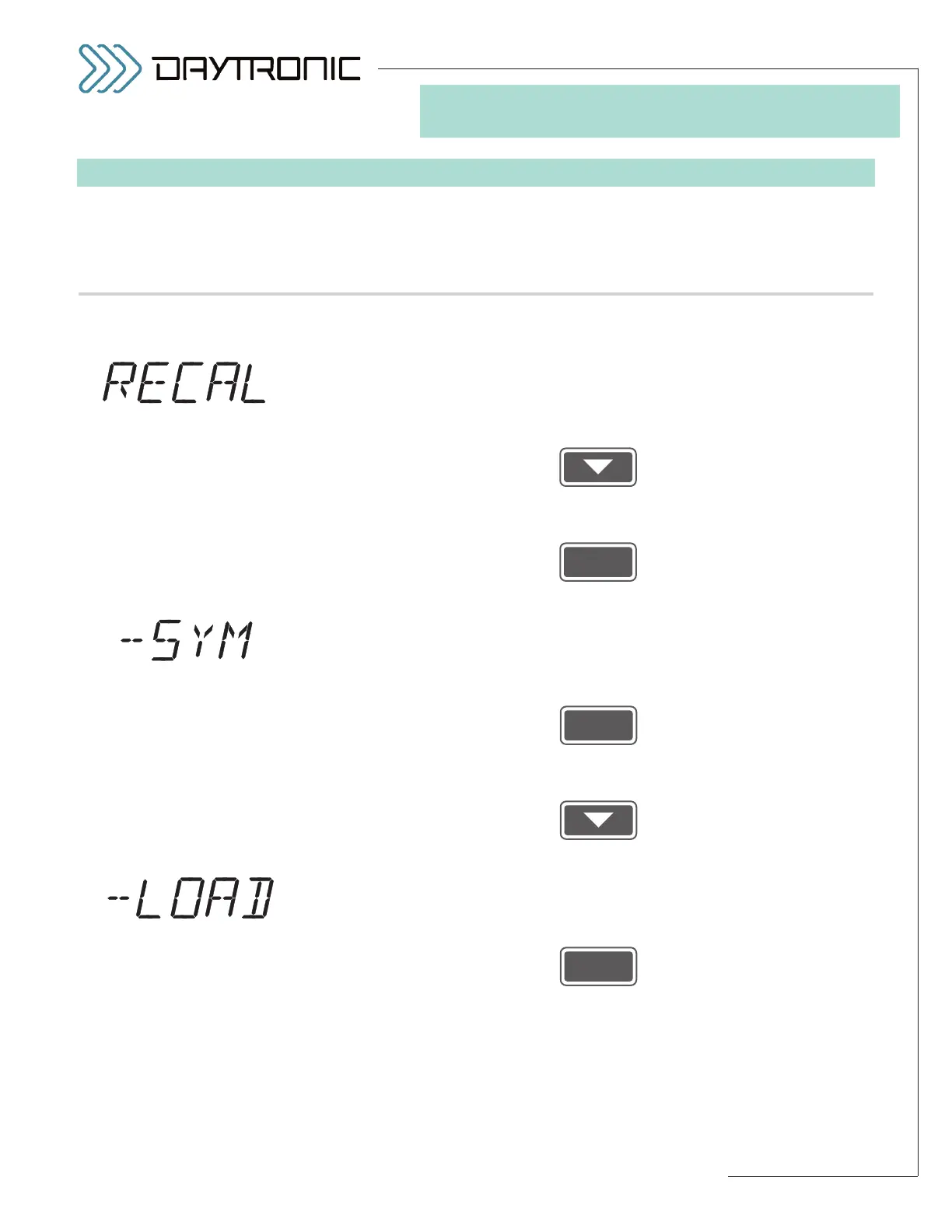
displays this . . . Do this . . .
4(T).c. Repeat the procedure, but adjust your “span” input to produce a
lower or higher reading.
4(T).e. After you enter a new
SPAN POINT (“CAL 2”) value in Step 4(T).d and
press
ENTER to answer “YES” to the “OK?” query, you will be asked
whether you want to RECALIBRATE. If you do NOT wish to repeat the
two-point calibration procedure—starting with the
ZERO POINT and
SPAN POINT you have already “OKed”—answer “NO” by pressing
and proceed to Step 4(T).f.
If you DO wish to recalibrate, answer “YES” by pressing
—which will return you to Step 4(T).a.*
4(T).f. The 3000PLUS lets you modify the slope of the output in the negative
domain in order to make it symmetrical with the positive slope (see Sec-
tion 4.E for more details regarding the
NEGATIVE SYMMETRY (SYM)
parameter). If you want to apply a NEGATIVE SYMMETRY CORREC-
TION
, answer “YES” by pressing
and proceed to Step 4(T).g.
If no symmetry correction is required, answer “NO” by pressing
and proceed to Step 4(T).i.
4(T).g. Before you can enter the symmetry correction, you must establish your
transducer “negative span” condition by applying a precisely known
amount of negatively directed load between 80% and 100% of full scale.
When the transducer is negatively “loaded,” press
(cont’d)
ST
and
CL
are lit.
3. FRONT-PANEL CONFIGURATION
AND CALIBRATION
Daytronic Corporation
2211 Arbor Blvd. Dayton, OH 45439 • (800) 668-4745
Tel: (937) 293-2566 • Fax: (937) 293-2586 • www.daytronic.com
* In this case, the 3000PLUS instru-
ment’s
MODULE INPUT OFFSET
(MIO)
is NOT automatically reset
to “00.00” (zero)—see note on p.
3.20. When displayed once more,
the zero-point reading will reflect
the last change you made to this
number.



 To Next Page