3KP64 - 3.26
3000PLUS WITH 5D64 INSTRUCTION MANUAL V. SB.2
Daytronic Corporation
2211 Arbor Blvd. Dayton, OH 45439 • (800) 668-4745
Tel: (937) 293-2566 • Fax: (937) 293-2586 • www.daytronic.com
SETUP STAGE 4(T): TWO-POINT CALIBRATION
(cont’d)
When the
3000PLUS
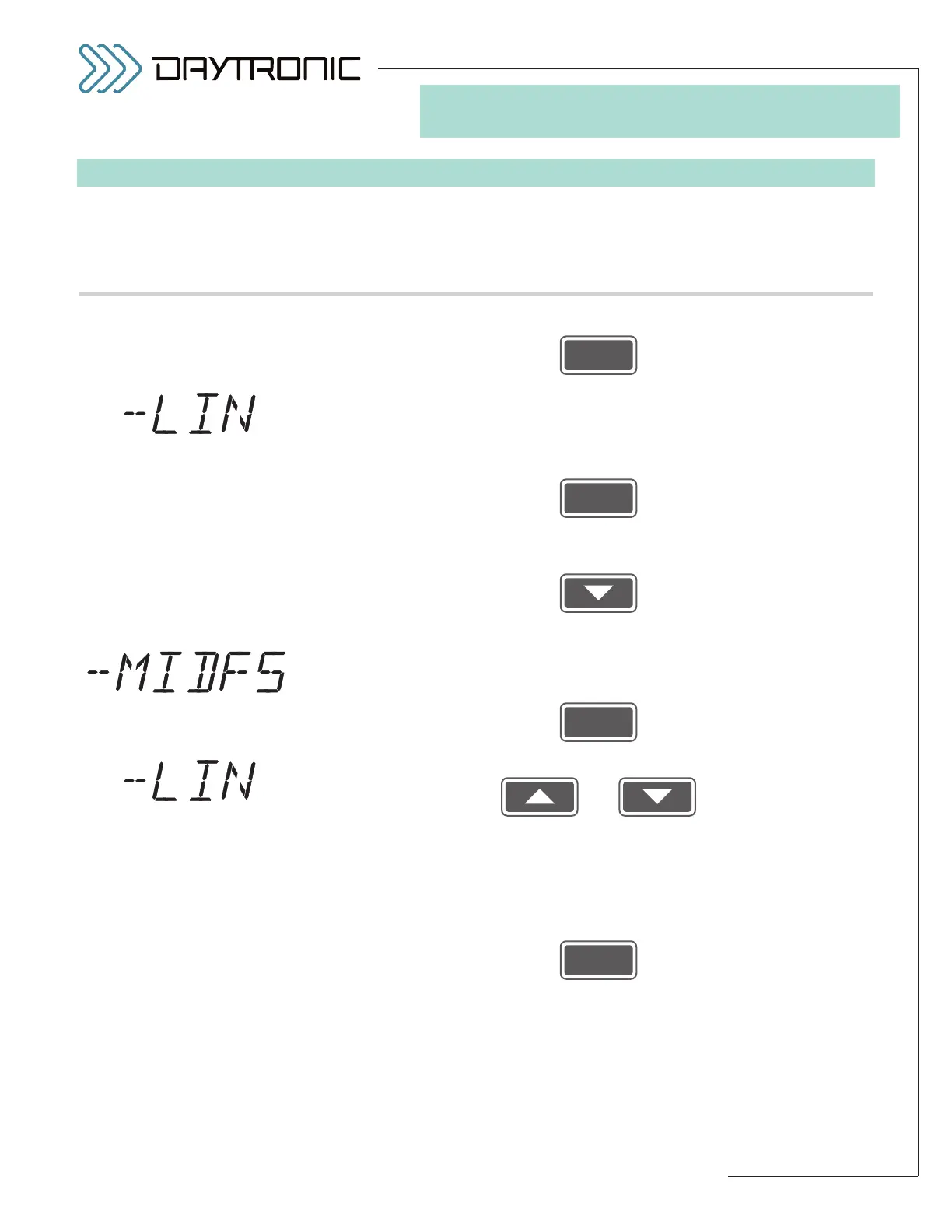
displays this . . . Do this . . .
Then press
4(T).l. The 3000PLUS lets you apply a midscale
NEGATIVE LINEARITY COR-
RECTION
. Like LNP (above), the 3000PLUS instrument’s NEGATIVE
LINEARITY (LNN)
factor is a percentage of midscale output not greater
than ±2%. If you want to apply the negative correction factor, answer
“YES” by pressing
and proceed to Step 4(T).m.
If no negative linearity correction is required, answer “NO” by pressing
and proceed to
Setup Stage 5 (next page).
4(T).m. Before you can enter the correction, you must apply input loading in the
negative direction to approximately
half of the transducer’s nominal full-
scale rating. When this has been done, press
4(T).n. Use
and
as explained in Section 3.A to adjust the displayed number until the
desired
NEGATIVE MIDSCALE OUTPUT READING is obtained (cor-
rectly representing the present amount of positive load, expressed in
measurement units).
NOTE: You will not be allowed to change the dis-
played number by more than 2% of its absolute value.
Then press
and proceed to Setup Stage 5 (next page).



 To Next Page