3KP64 - 3.27
3000PLUS WITH 5D64 INSTRUCTION MANUAL V. SB.2
Daytronic Corporation
2211 Arbor Blvd. Dayton, OH 45439 • (800) 668-4745
Tel: (937) 293-2566 • Fax: (937) 293-2586 • www.daytronic.com
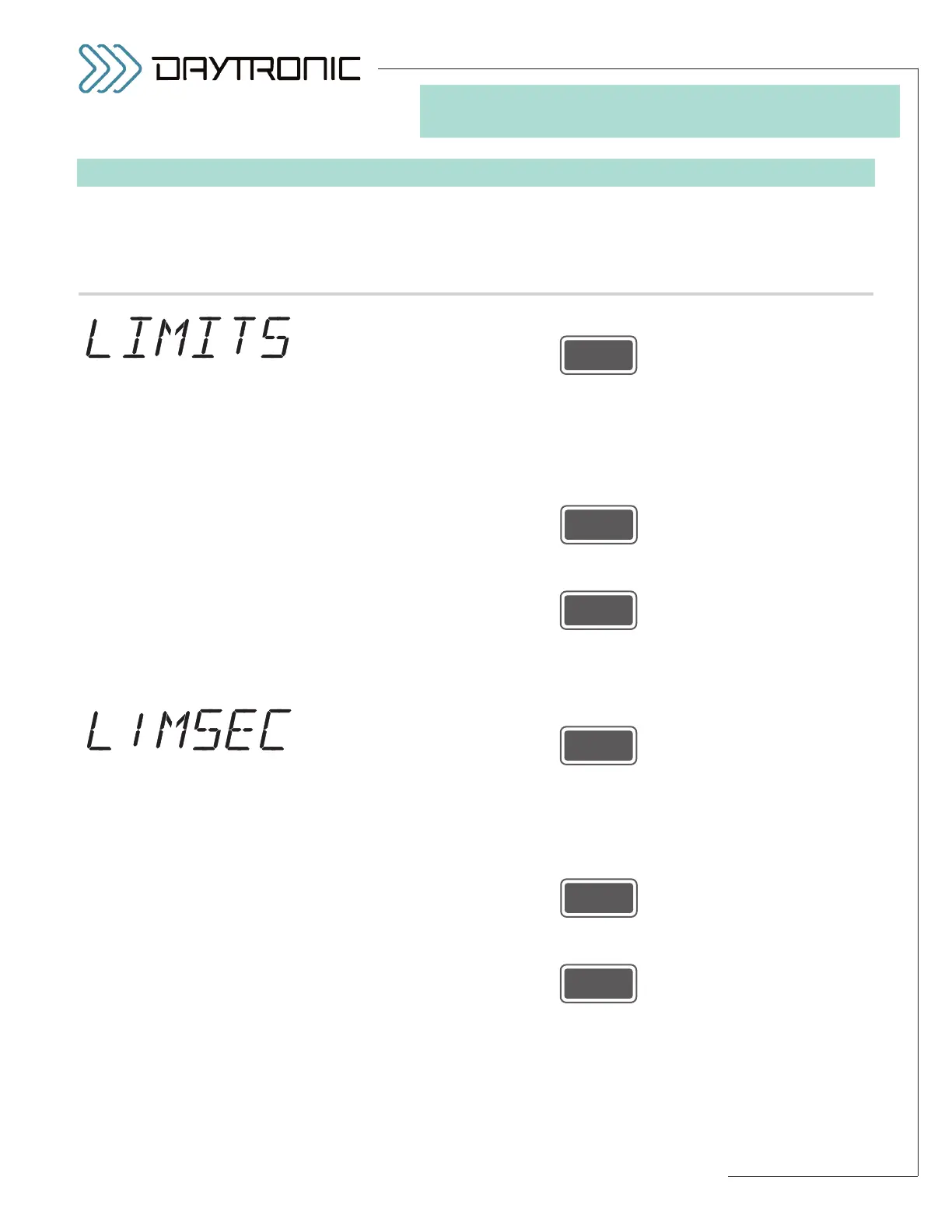
SETUP STAGE 5: LIMITS
When the
3000PLUS
displays this . . . Do this . . .
5.a. Press
5.b. The instrument’s current
LIMITS ENABLE status will be displayed: “ON” or
“OFF.” In the limits “ON” state, the 3000PLUS will continuously monitor the
“auxiliary” DAC output (Channel 2) for conformance to the currently speci-
fied high/low limit values—and will activate appropriate relays on detection
of limit violation (for LOGIC I/O connections, see Section 2.E).
Press
to toggle between the two allowed states. When the desired limits state is
displayed, press
NOTE: If you choose to disable limit monitoring (by selecting “OFF”), you
will go directly to
Setup Stage 6 (p. 3.32), since the following limit-related
parameters are now immaterial.
5.c. Press
5.d. The instrument’s current LIMITS SECURITY status will be displayed: “ON”
or “OFF.” When limits security is “ON,” the 3000PLUS local operator will
not be allowed to display and adjust limit values during normal run-time
operation (see Sections 1.E and 5.E for details).
Press
to toggle between the two allowed states. When the desired limits security
setting is displayed, press
(cont’d)



 To Next Page