Driv
eRack
®
P
A User Man
ual
38
Appendix A
DriveRack
®
PA
out positive affect. You may be able to see if a lifted band is a mode by manually adjusting
a lifted EQ band - if no change in the EQ is perceived, you probably are seeing a mode in
y
our
frequency response. To reduce the effect of this mode, try different microphone positions
and adjust the location of your speakers, then repink the room for a more effectual Graphic
EQ adjustment.
Adjust Cross Over Output Gains
If your system setup or the response you have chosen results in the Auto-EQ lifting or cut-
ting a number of consecutive bands of the Graphic EQ, you can adjust the level of the asso-
ciated cross over output gain to match the average boost or cut in the graphic EQ and re-
pink your room. This time, the adjustment of the Graphic EQ bands will be less “heavy hand-
ed” and the
system will sound better having fewer phase problems and a lower noise floor than a more
aggressively adjusted Graphic EQ. With the rest of your system properly adjusted, the Auto
EQ can compensate for room resonance and adjust to suit personal taste without large excur-
sions in the Graphic EQ bands.
2X3(2-band)
HP
LH
BP
RH
+
L
R
L
R
L Mono
L Mono
2X4(2-band)
HP
LH
BP
RH
LL
RL
2X2
HP
L
R
L
R
2X6 (3-band)
HP
LH
BP
RH
LM
BP
RM
LL
RL
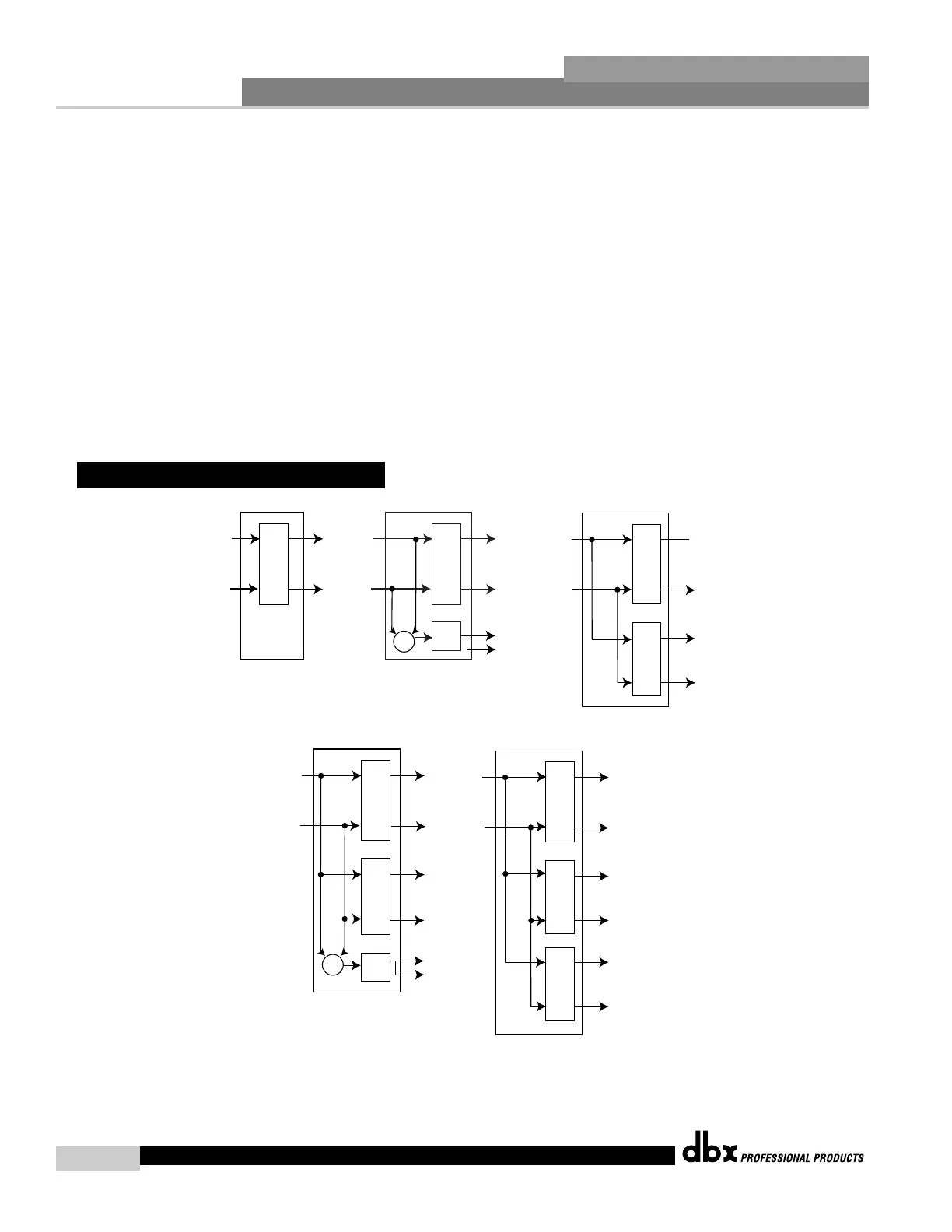
HP - High Pass Filter
BP - Band Pass Filter
L
R
L
R
2X5 (3-band)
HP
LH
BP
BP
RH
+
LM
RM
A.5 Crossover Diagrams



 To Next Page