FLIGHT CONTROLS
Joysticks
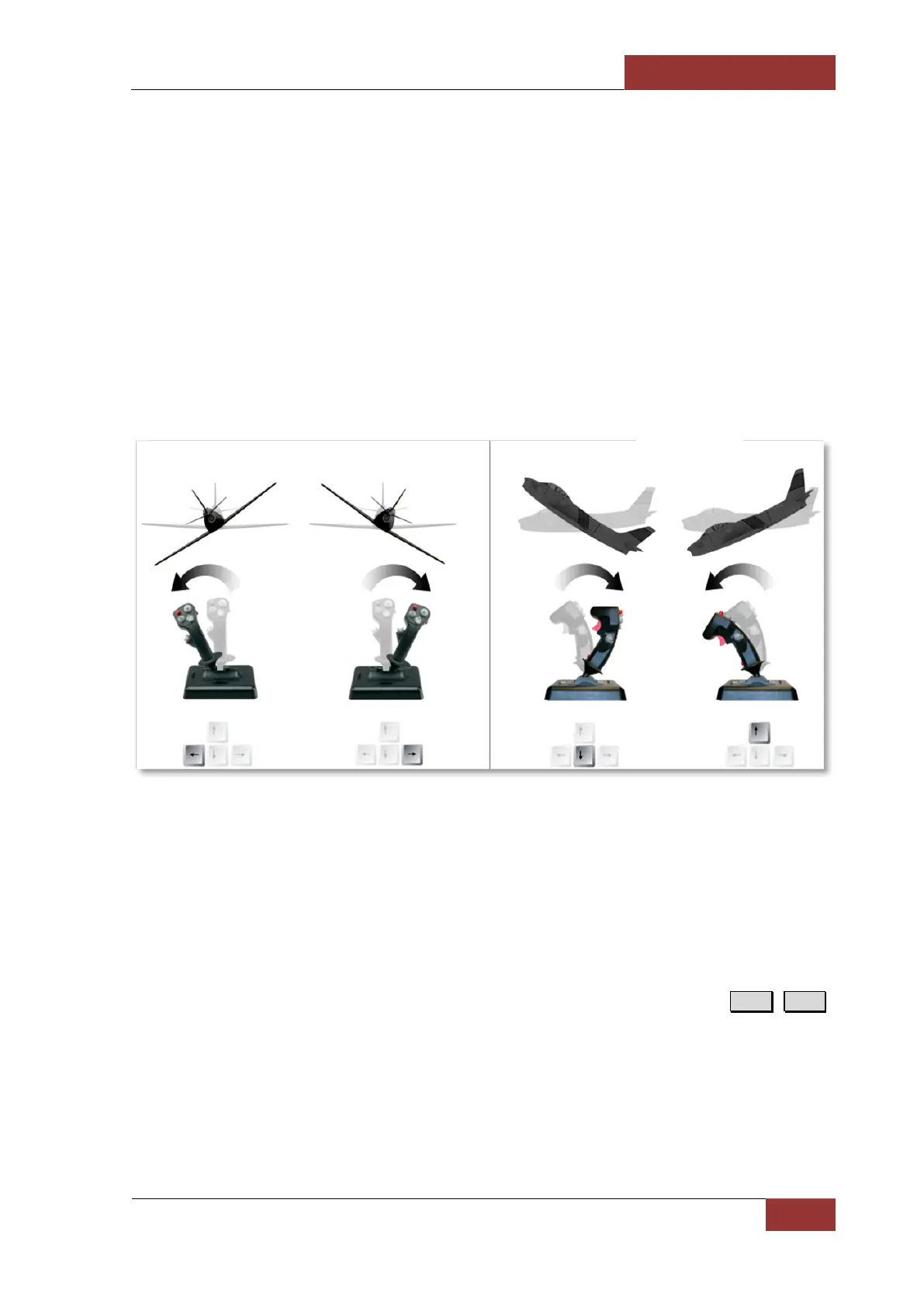
Because of the natural similarity to the real flight controls, the joystick devices are extremely useful
when it comes to play a flight simulator. As we’ve said above, the flight direction and pitch (nose
up\down) are controlled with a flight stick, while the speed is typically a function of the throttle grip
longitudinal movements and yaw is a function of rudder pedals inputs. More on that, the pedals are
also used to steer the aircraft while rolling or taxiing on the ground.
Many consumer joysticks on the market combine the stick, throttle, and rudder controls into a single
device. Meanwhile, the rudder function is achieved through a twist motion of the stick handle. Each
available motion on the joystick represents the individual input axis and must be assigned to the
corresponding action in the simulator before flying. How to do this you can find in the DCS User
manual.
When flying from the cockpit, you can toggle the Controls Indicator display by pressing R.Ctrl + Enter
to see a visual reference of the positions of your flight controls.



 To Next Page