Dedicated Micros Page 103
4. If the connection is successful you will be issued a connection prompt.
5. Click OK.
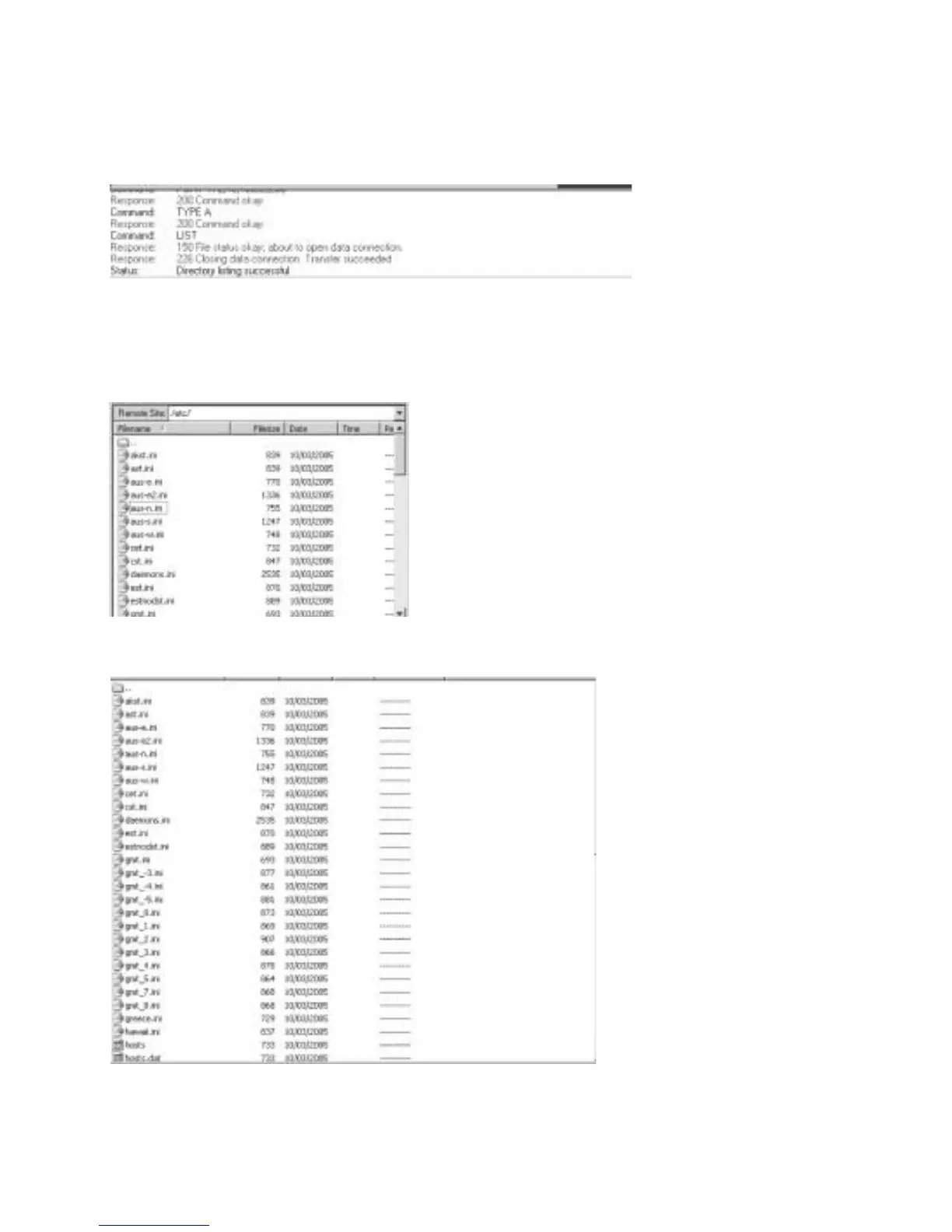
6. You will be presented with the directory structure on the Digital Sprite 2, locate and select the
etc directory in the root drive.
7. The following files are all stored in the etc directory.



 To Next Page