Dedicated Micros Page 9
How to Enable System Features
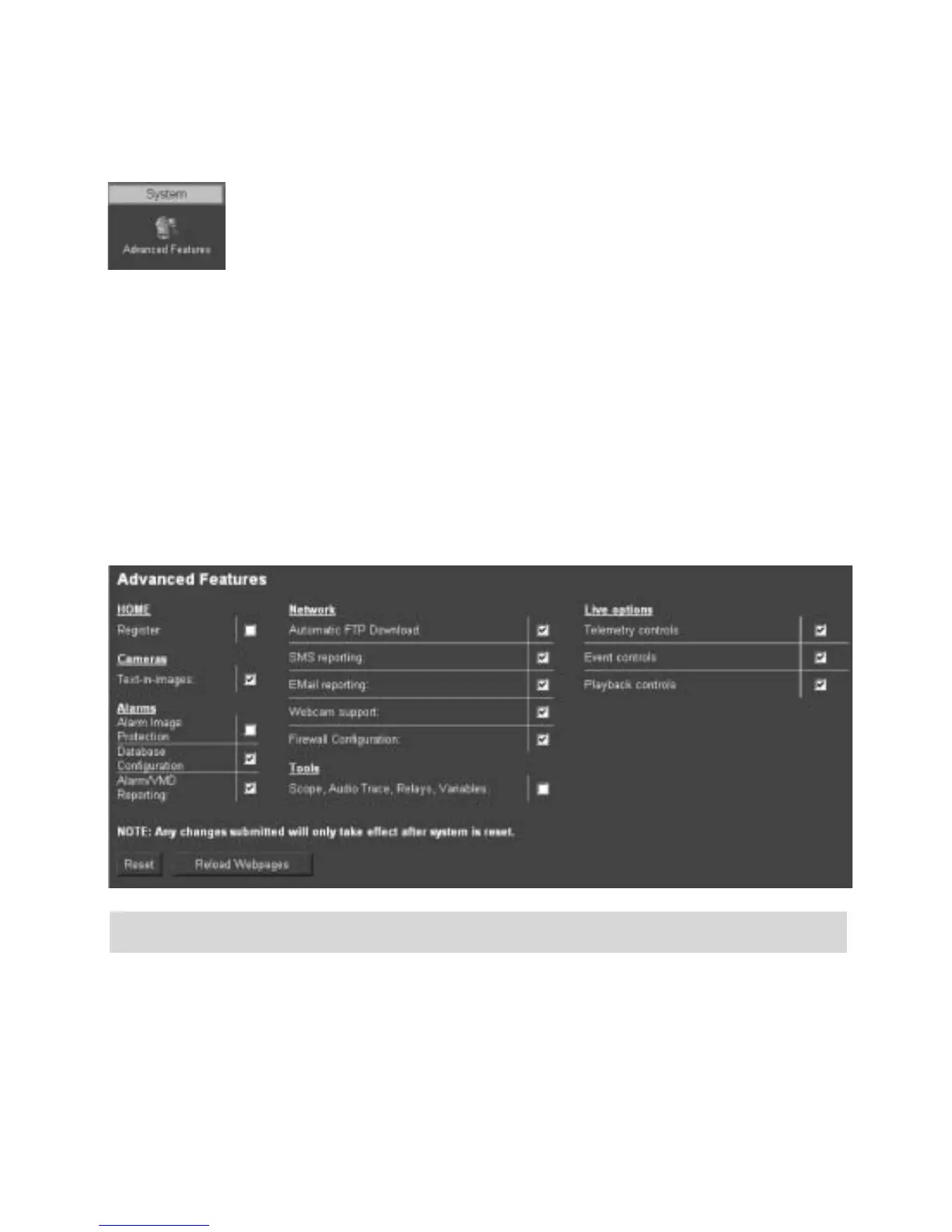
There are a number of features supported on the Digital Sprite 2 that can be
enabled or disabled depending on your system requirements.
When these features are enabled, the relevant configuration web pages will be
displayed; if these are disabled then these pages will be omitted.
1. To enable the features select the System -> Advanced Features.
2. By default the Live options are enabled, to enable the other features tick the box next to the
feature.
3. Remember to select Save Settings!
4. You will now need to select Reload Webpages for the relevant configuration pages for the
enabled features to be displayed.
5. Some of the features require a system reset select the Reset button to reset the unit and re-
load the web pages.
Section Feature Description
Home Register
Note: Configuration and registration of the Digital Sprite
2 is carried out at the factory, therefore this screen is
for fault diagnostics only and it is recommended that
the page is not enabled unless advised by Dedicated
Micros Technical Support.



 To Next Page