Page 102 Dedicated Micros
Editing the ini Files using FTP Client Application
There are a number of parameters that can be configured within the ini files on the Digital Sprite
2. This section details the files, their function and how these are configured.
To edit and configure these files on the Digital Sprite 2 you will require:
FTP communication to be enabled on the Digital Sprite 2
Valid FTP username and password
FTP Client software application
Connection via the Ethernet network to the Digital Sprite 2
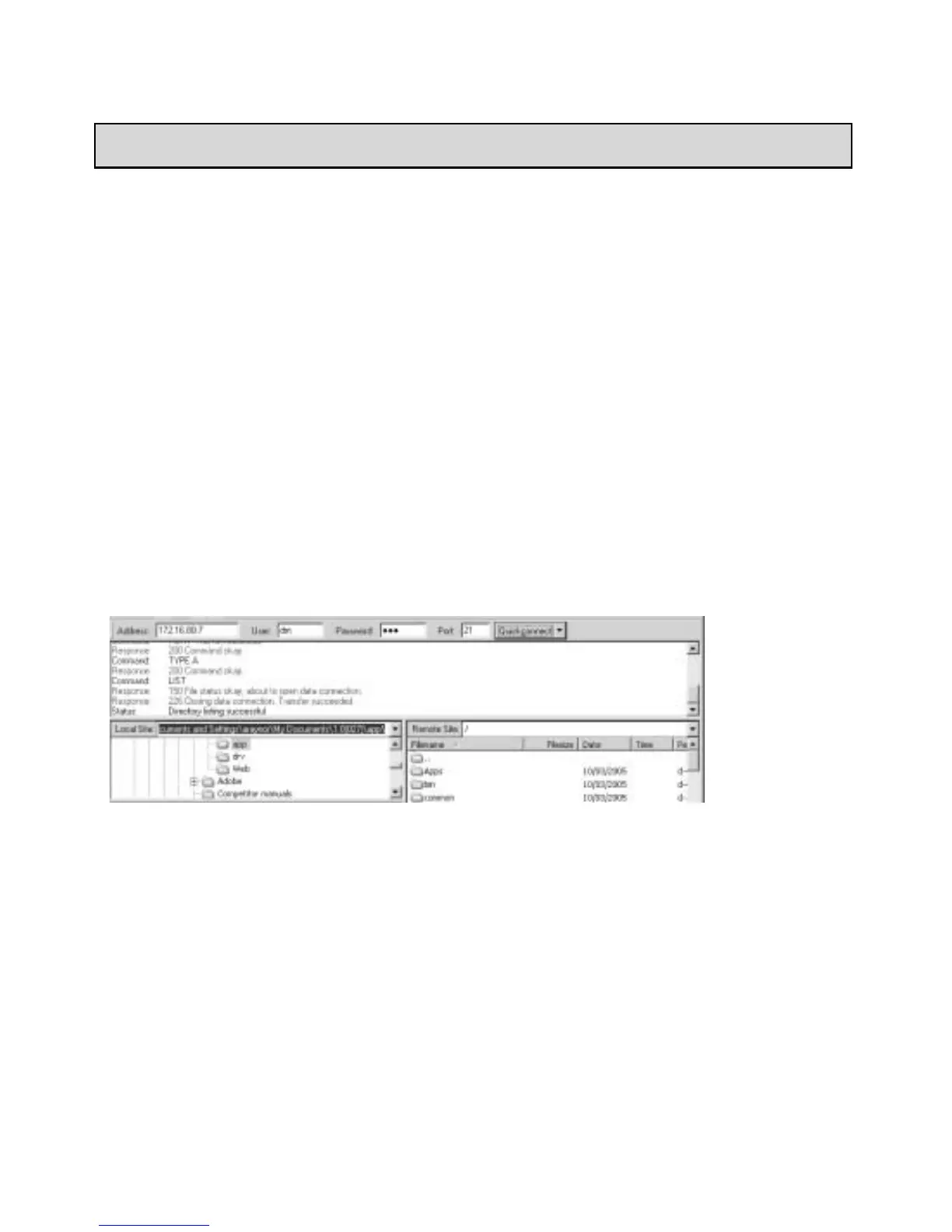
The following steps give an example of how to create an FTP session with the Digital Sprite 2 to
configure these files, take note this may differ from the process of the FTP software you are
utilising.
1. Launch the FTP client software.
2. You will need to create a site for the FTP link, enter the IP address of the Digital Sprite 2,
enter the FTP username and password.
3. Select the Connect button to make the connection.
Appendix B – Digital Sprite 2 .ini Files



 To Next Page