Dedicated Micros Page 49
Function Description
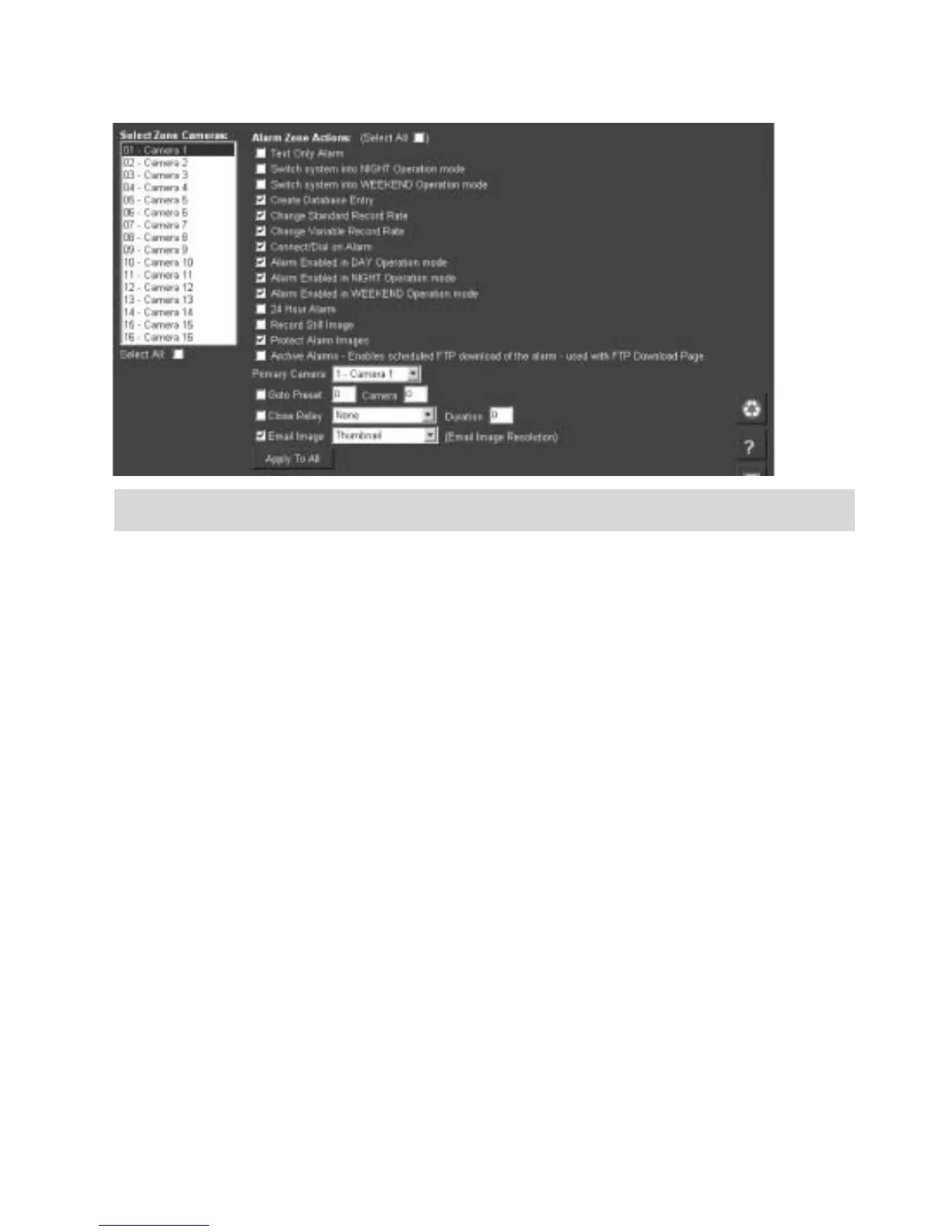
Select Zone
Cameras
This allows you to select one or more cameras that will be associated
with the Alarm Zone being configured. Each camera will become part of
the ‘alarm sequence’ when this alarm zone is triggered.
Alarm Zone
Actions (select all)
There are numerous actions that can be included in any of the zones
being configured, this option will enable all actions.
Text Only Alarm This is not currently supported.
Switch System into
NIGHT operation
mode
This will switch the unit to night operation mode and assign the night
operation settings to the recorded video.
Switch System into
WEEKEND
operation mode
This will switch the unit to weekend operation mode and assign the
weekend operation settings to the recorded video.
Create Database
Entry
An alarm entry will be added to the database, the zone title will be used
as part of the entry information.



 To Next Page