Dedicated Micros Page 81
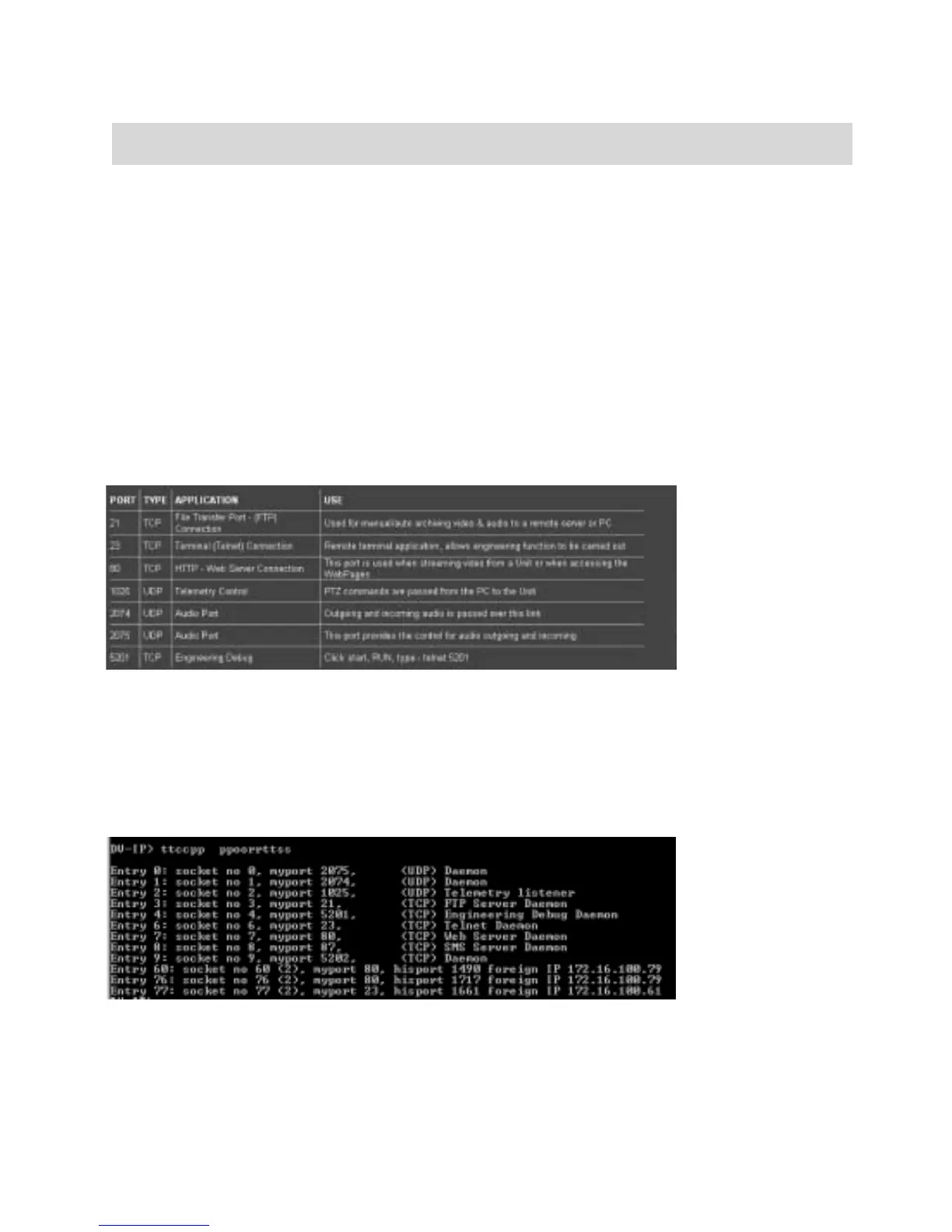
The following are the default port settings supported on the Digital Sprite 2; this is shown on the
Firewall page menu.
Alternatively it is possible to identify the supported ports and also determine who is connected to
the Digital Sprite 2 via a telnet session.
At the prompt enter:
TCP Ports
The following is an example of the information that is displayed.
Function Description
Open UDP ports
This is the list of UDP ports that are available on the Digital Sprite 2.
If a host tries to communicate with the unit using a UDP port that is
not specified in the list, even with a valid IP address, the host will not
gain access.
The enabled ports can be a range or single port address, if a single
port is needed then enter the same port number in the to and from
section.
Port, Type, Application,
Use
This identifies the default ports and their functionality that is
supported on the unit.



 To Next Page