Dedicated Micros ©2009
20
EcoSense
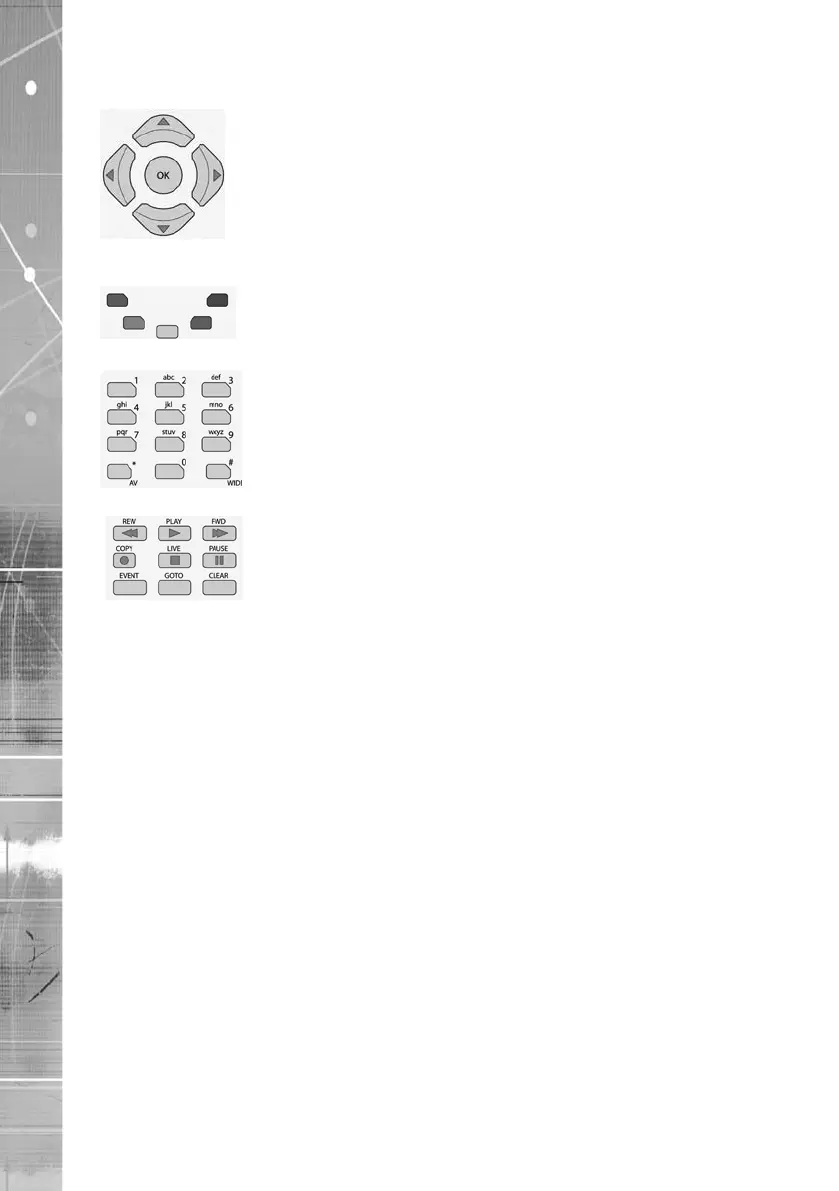
Use the Directional and OK buttons to navigate through the
menu screens and accept changes. Also use for PTZ telemetry control
of cameras.
Use the Softkeys (Red, Green, Yellow, Blue Purple) to directly access
the corresponding function displayed on the menu screen.
The Number pad should be used to select specic cameras and preset
positions when available.
Use the Playback buttons to interrogate recorded images. Use the LIVE
button to switch from Playback or menus to a LIVE display.



 To Next Page