Dedicated Micros ©2009
98
EcoSense
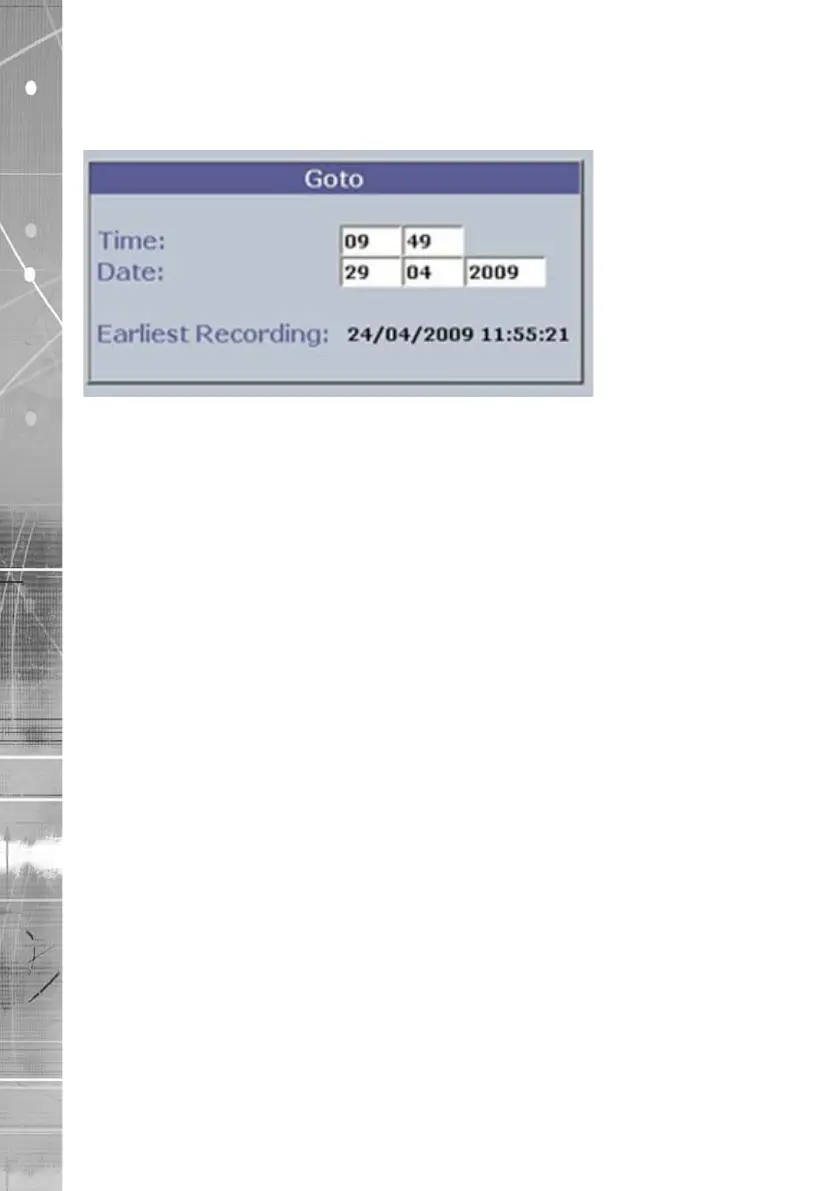
GoTo Option
The GoTo Navigation page allows quick and easy investigation of recorded video data. Use the
Time and Date options to view recorded images from the camera channel currently being viewed.
Time Enter the required time (using the 24hr clock)
Date Enter the required date
Earliest Recording The earliest recording time available for the camera currently
being viewed will be displayed.



 To Next Page