Dedicated Micros ©2009
95
EcoSense
PTZ Program Option
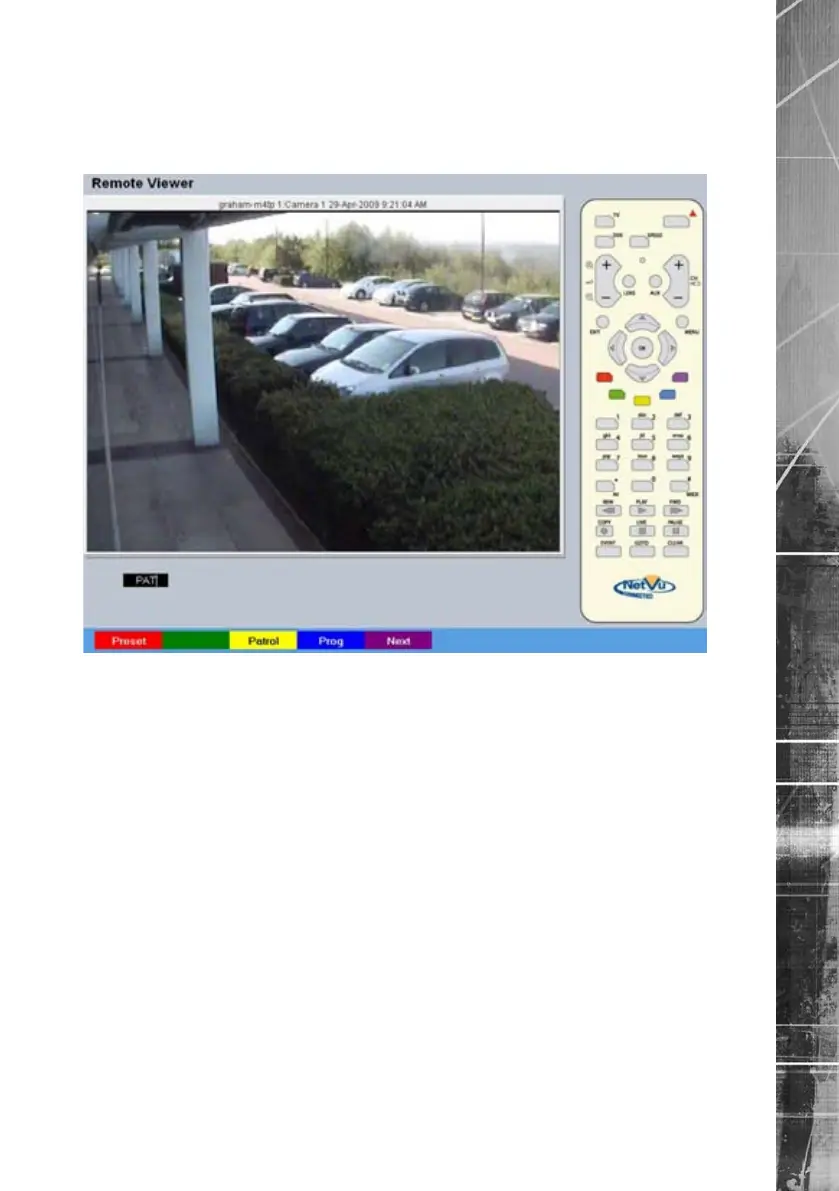
The Program page allows preset settings for PTZ cameras to be established and an ‘Origin’ base
position established for a camera.
Note: This page will not be available for all cameras.
Red Preset If Preset positions have been established for the
PTZ camera, select the Preset option and enter
a preset number. Refer to the ‘Presets’ menu
page for further details on establishing preset
positions.
Yellow Patrol If Patrols have been established for the camera,
select the Patrol option and enter a number.
Refer to the ‘Patrols’ menu page for further
details on establishing Patrols.
Blue Prog Opens the ‘Dome Menu Option’ page.
Purple Next Opens the next page of the Viewer menu.



 To Next Page